

Para parceiros Uma situação real
A caller wants prices. Give them a next step.
Build a clear estimate, compare options, and show a caller how to move from a price enquiry to booking.
Gravado em um espaço de trabalho de demonstração. Narrado, com legendas ativadas.
Esta gravação ainda não está disponível no seu idioma, por isso é reproduzida em inglês.
Start with the question
Open Point of sale, then Quotes and New quote. Ask what the caller wants to achieve before choosing anything.
A situação
Coloque em prática.
Someone calls to compare a short treatment with a longer visit. They are interested, but not ready to choose a time. Give them something useful to come back to after the call.
O que você vai aprender
A priced service option and a clear handover to the quote delivery step.
Antes de começar
You need permission to manage appointments and services with current prices. Confirm the location before building the estimate.
Lembre-se
A quote is an estimate, not an appointment or a payment. Obtain permission before sending it. The recording stops before delivery; sending a real quote is a separate action.
Tente a decisão
The caller wants to think about it. Does creating an estimate reserve an appointment?
Leia o passo a passo completo
1. Start with the question
Open Point of sale, then Quotes and New quote. Ask what the caller wants to achieve before choosing anything.
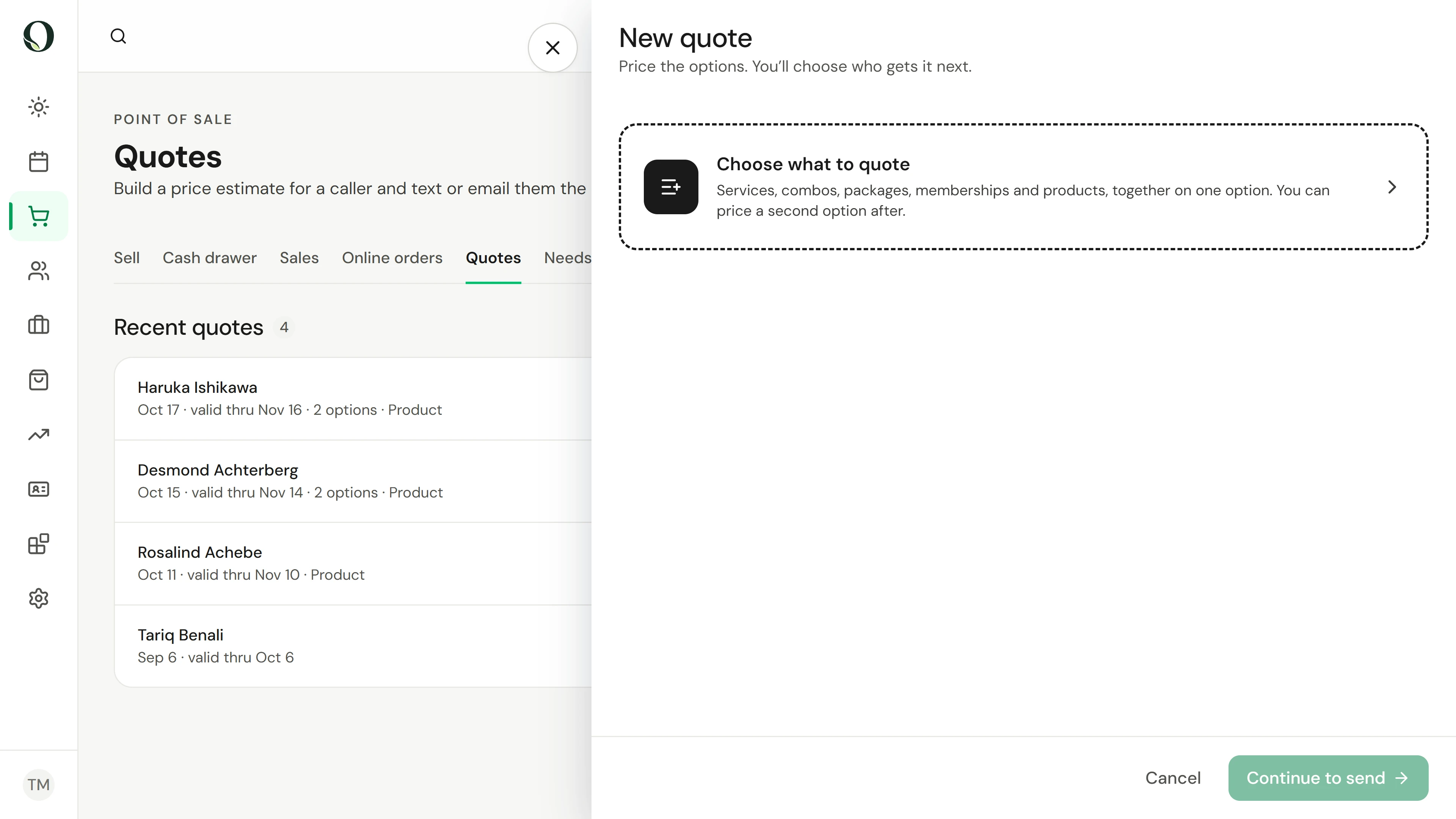
2. Choose the right services
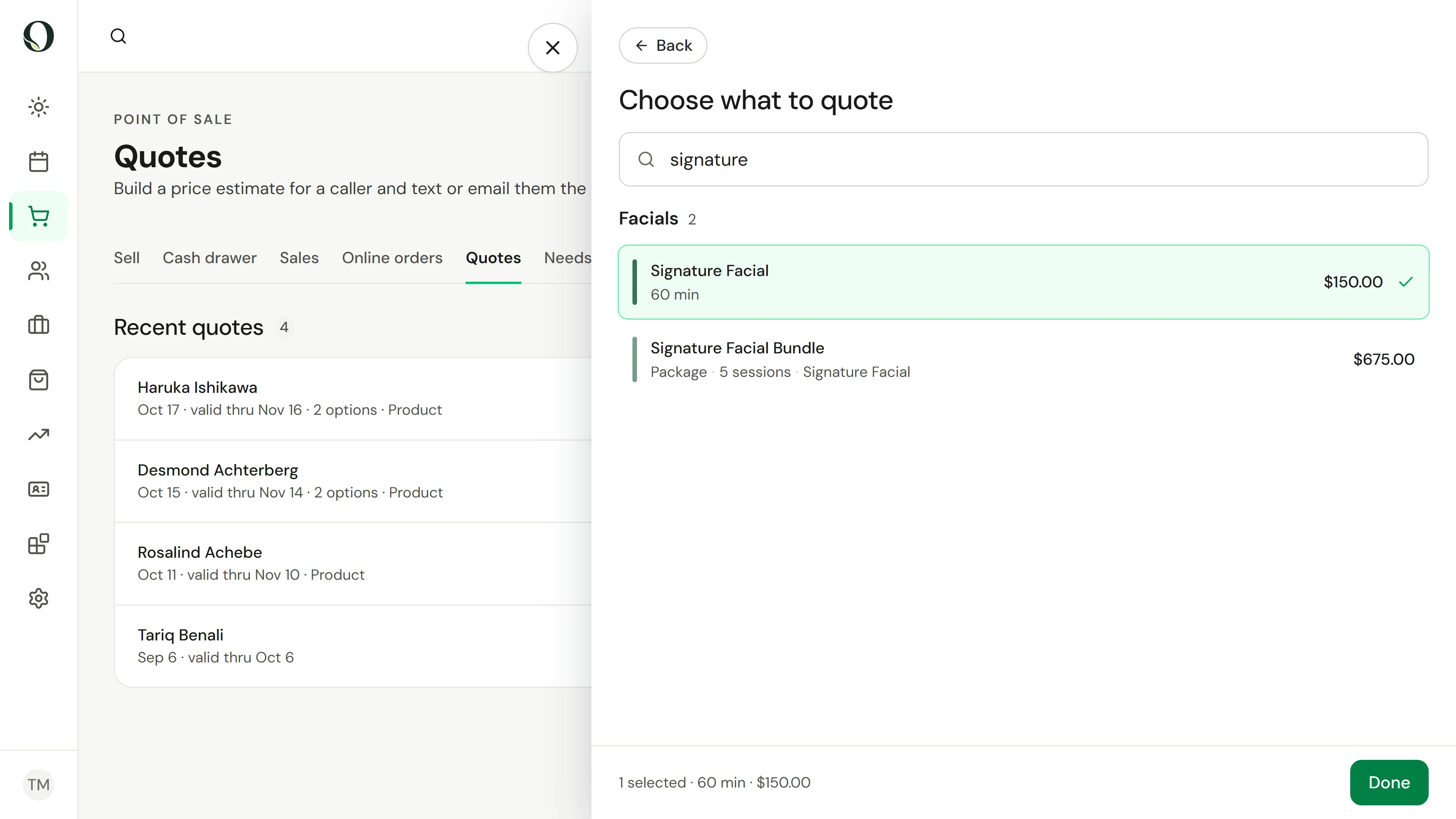
Open Choose what to quote and search for the treatment the caller asked about. Check its duration and price before you select it.
3. Review the estimate
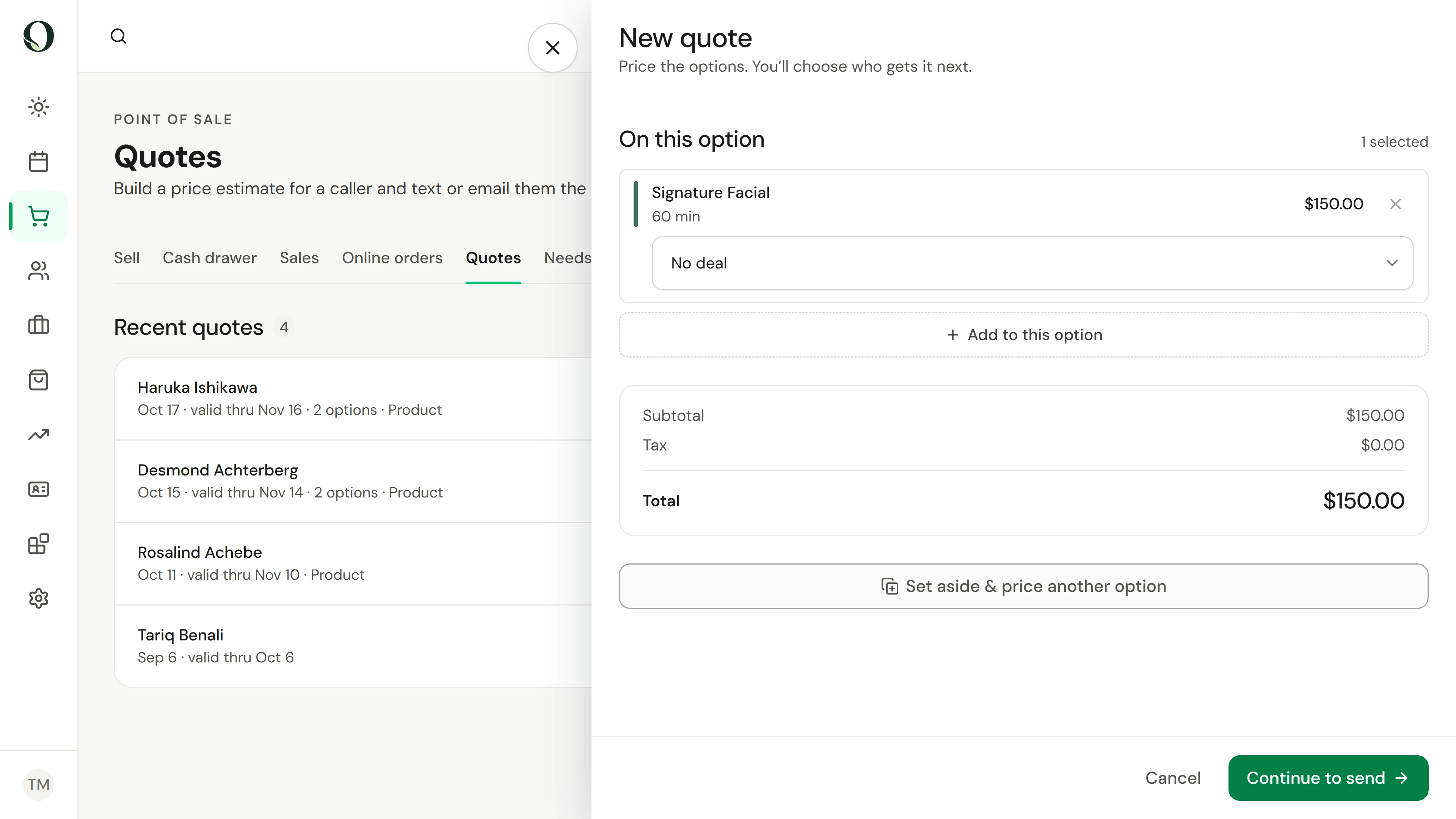
Select Done to see the service, any deal and the calculated total. If the caller wants to compare, use Set aside and price another option before continuing.
4. Prepare a useful handover
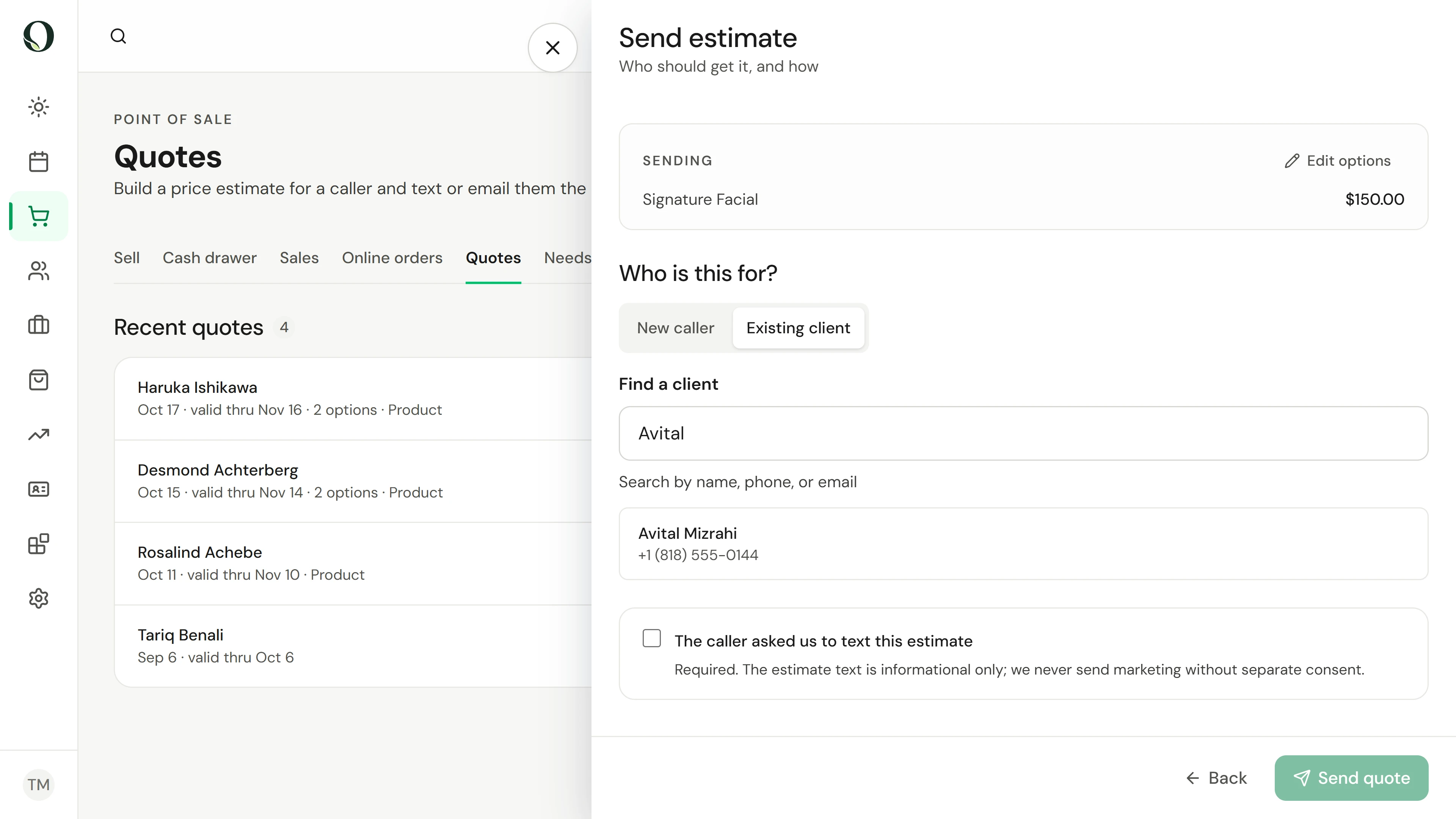
Continue to send. Choose Existing client and search by name, or enter the new caller details. Check how the estimate will be delivered and the consent option, and only send when they are correct.
Aprofunde-se