
Skip to content

The Owneli apps

Two apps. Both sides of the chair.

One app for the people who run the business, and one for the people who book with it. Both are free on the App Store and Google Play.

For the people who book

Owneli: Book Appointments

Book in seconds, fill in forms before you arrive, and keep every visit in one place.

  • Book and reschedule without phoning
  • Memberships, packages and gift cards together
  • One account for every business on Owneli you visit

Download Owneli on the App StoreGet Owneli: Book Appointments on Google Play
Scan with your phone’s camera
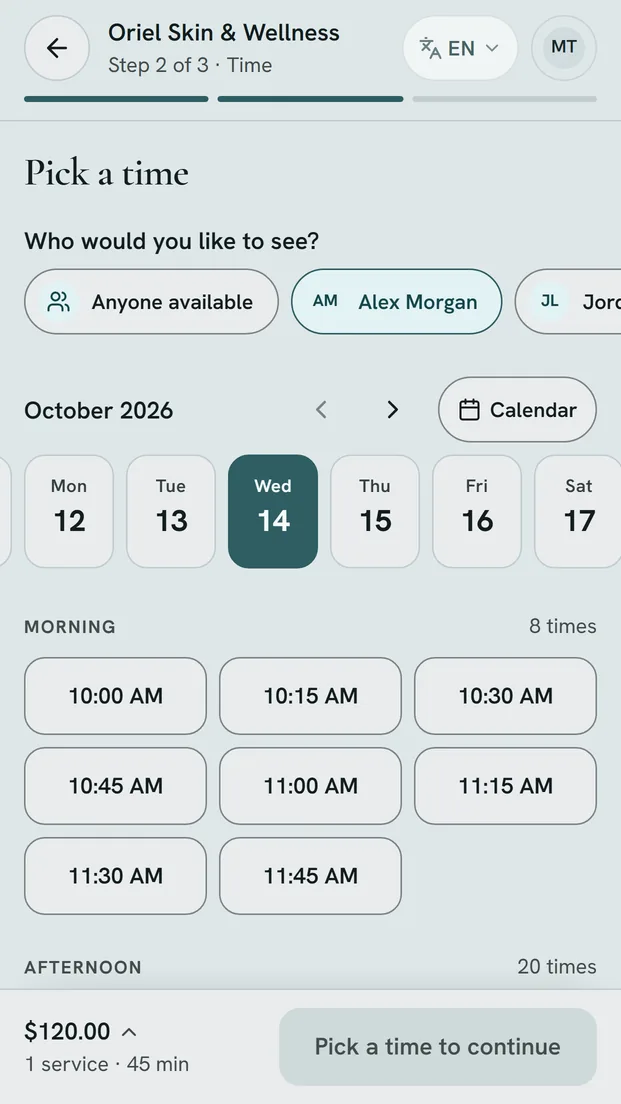
Owneli: Book Appointments on a phone: choosing a time for a booking
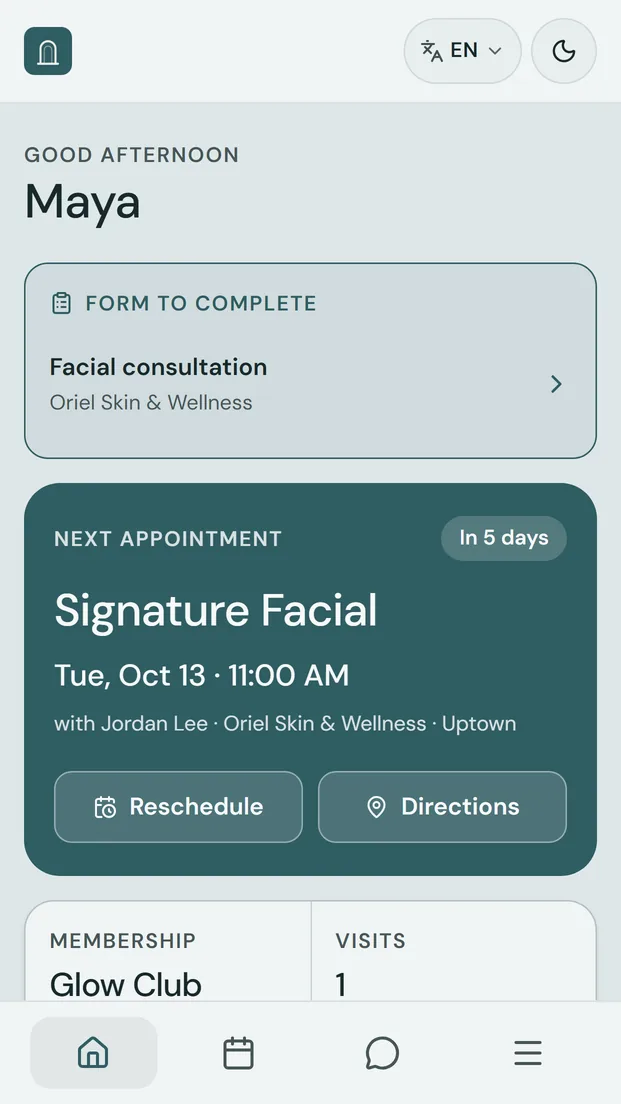
Owneli: Book Appointments on a phone: the home screen with the next appointment

For the business and its team

Owneli for Business

Your day, calendar, checkout, clients and messages, with a notification the moment someone books.

  • See today, who is waiting and what needs you
  • Book, move and check out visits
  • Reply to clients from one inbox
Download Owneli Business on the App StoreGet Owneli for Business on Google Play
Scan with your phone’s camera
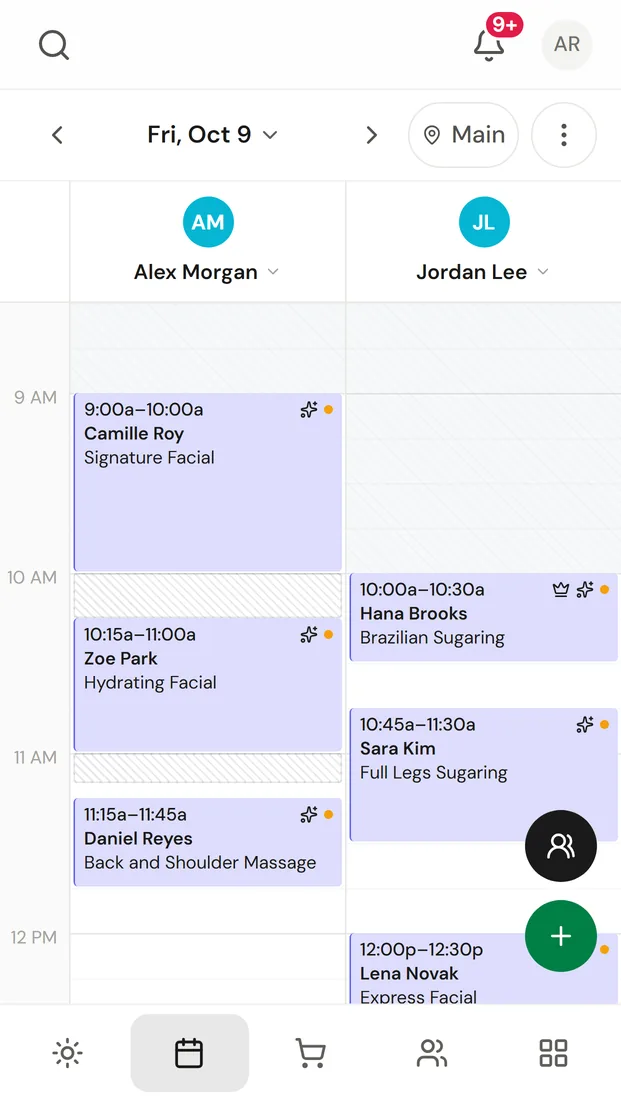
Owneli for Business on a phone: the day’s calendar for two team members
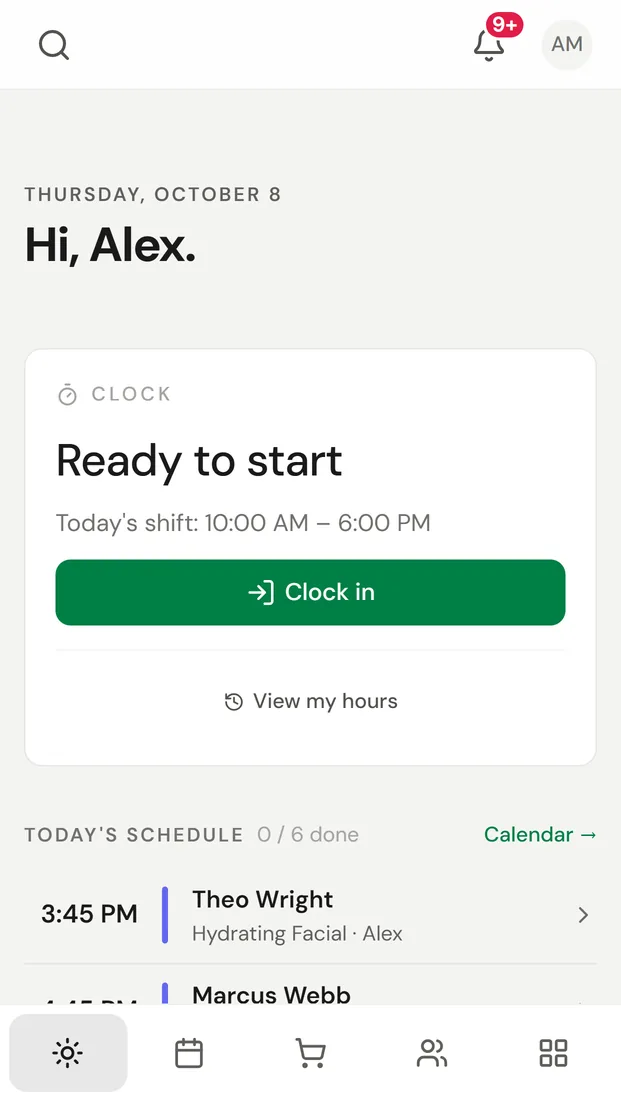
Owneli for Business on a phone: today’s schedule with the clock-in card

Getting started

Up and running in a minute

  1. Install the app

    Tap the App Store or Google Play badge on your phone, or scan the code from your computer with your phone’s camera.

  2. Sign in

    Use the email you already use with Owneli. Each team member signs in with their own account; clients can use a one-time code.

  3. Allow notifications

    Hear about new bookings, changes and messages as they happen. You choose which ones in the app.

Prefer the browser?

Everything in the apps also works in any browser, on a phone, a tablet or a computer.