

For partners A real situation
Start the day with a float. End it with a count.
Open the cash drawer, record cash drops and tip pay-outs, then count it at close and read the Z-report.
Recorded in a demo workspace. Narrated, with captions on.
Open with a float
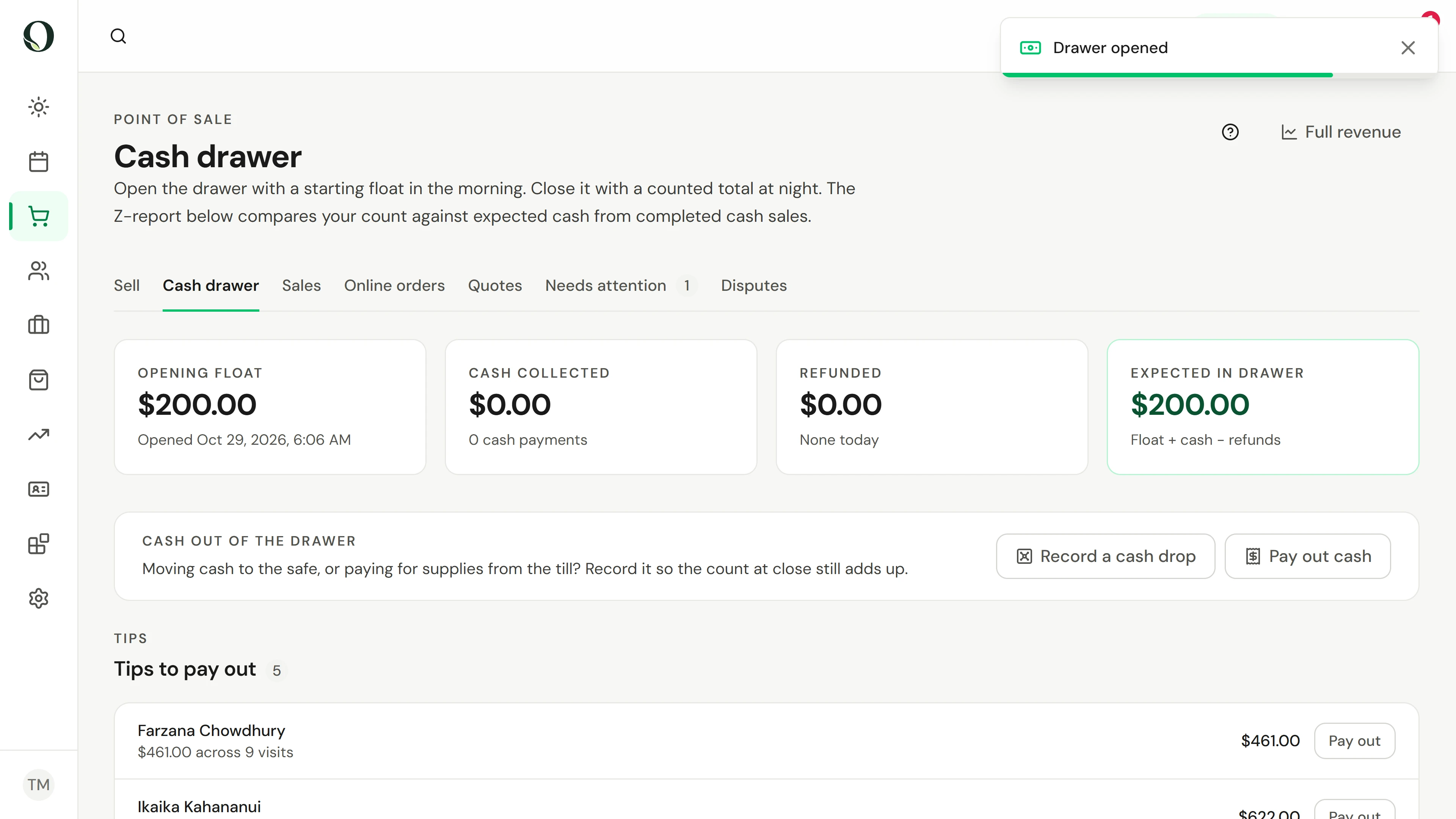
Enter the float you are starting with, add a note if it helps, and choose Open drawer.
The situation
Put it into practice.
You are opening the front desk. The drawer needs its float, cash comes and goes through the day, and at close you count what is there and explain any difference.
What you will take away
You can run a drawer from its opening float to a counted close, and read its Z-report.
Before you start
Managing the cash drawer needs permission. Each location has its own drawer, so check the location shown before you open or close it.
Keep in mind
Expected cash is the float plus cash taken, minus cash refunds, drops and pay-outs. A short or over count is recorded with your note, never hidden. Reversing a movement records a new one; the original stays on record.
Try the decision
Expected is $350 and you count $347. What should you do?
Read the full walkthrough
1. Open with a float
Enter the float you are starting with, add a note if it helps, and choose Open drawer.
2. Let the day add up
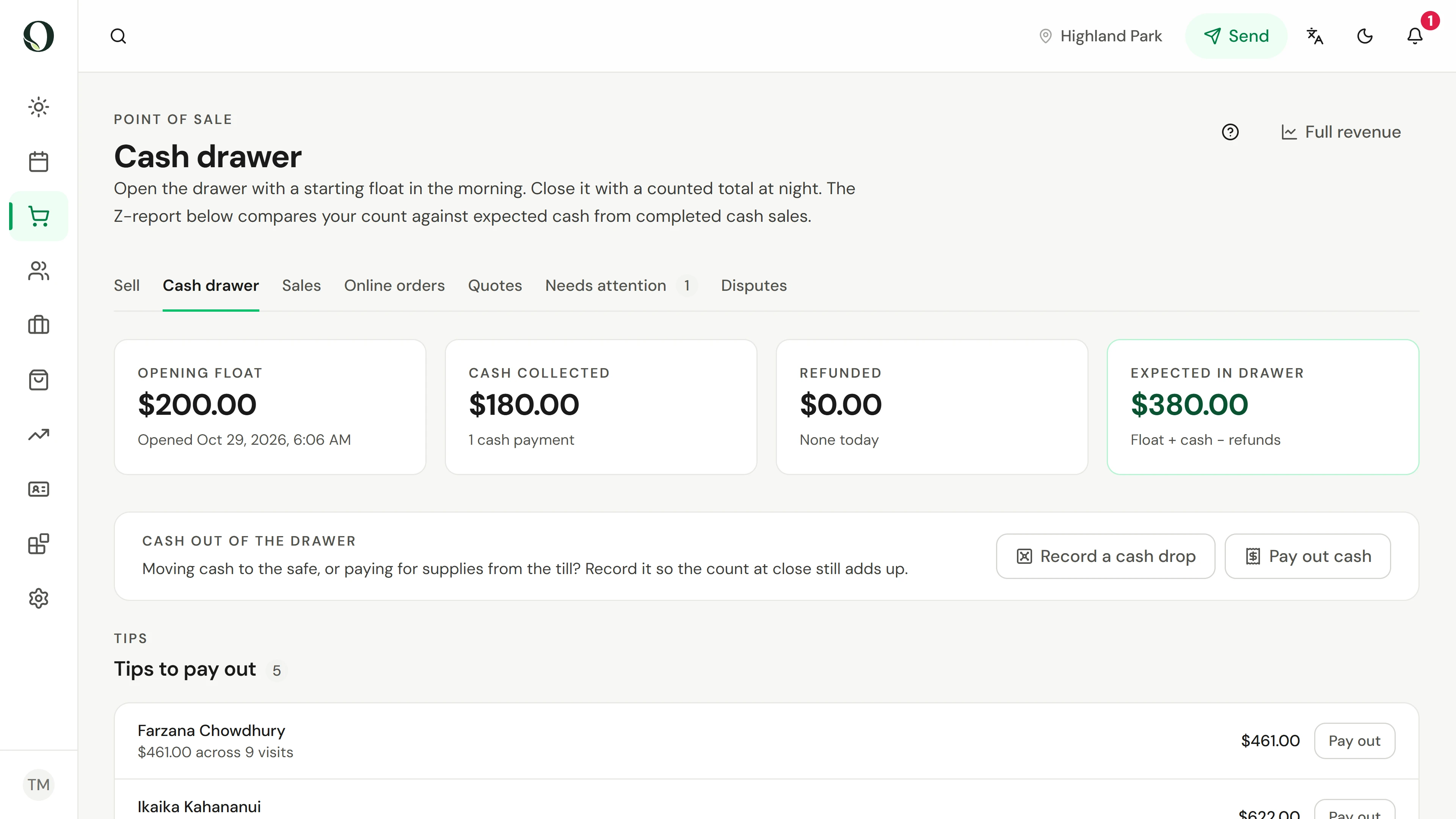
Every cash payment and cash refund updates the tiles. Expected in drawer is what should be there now.
3. Record a cash drop
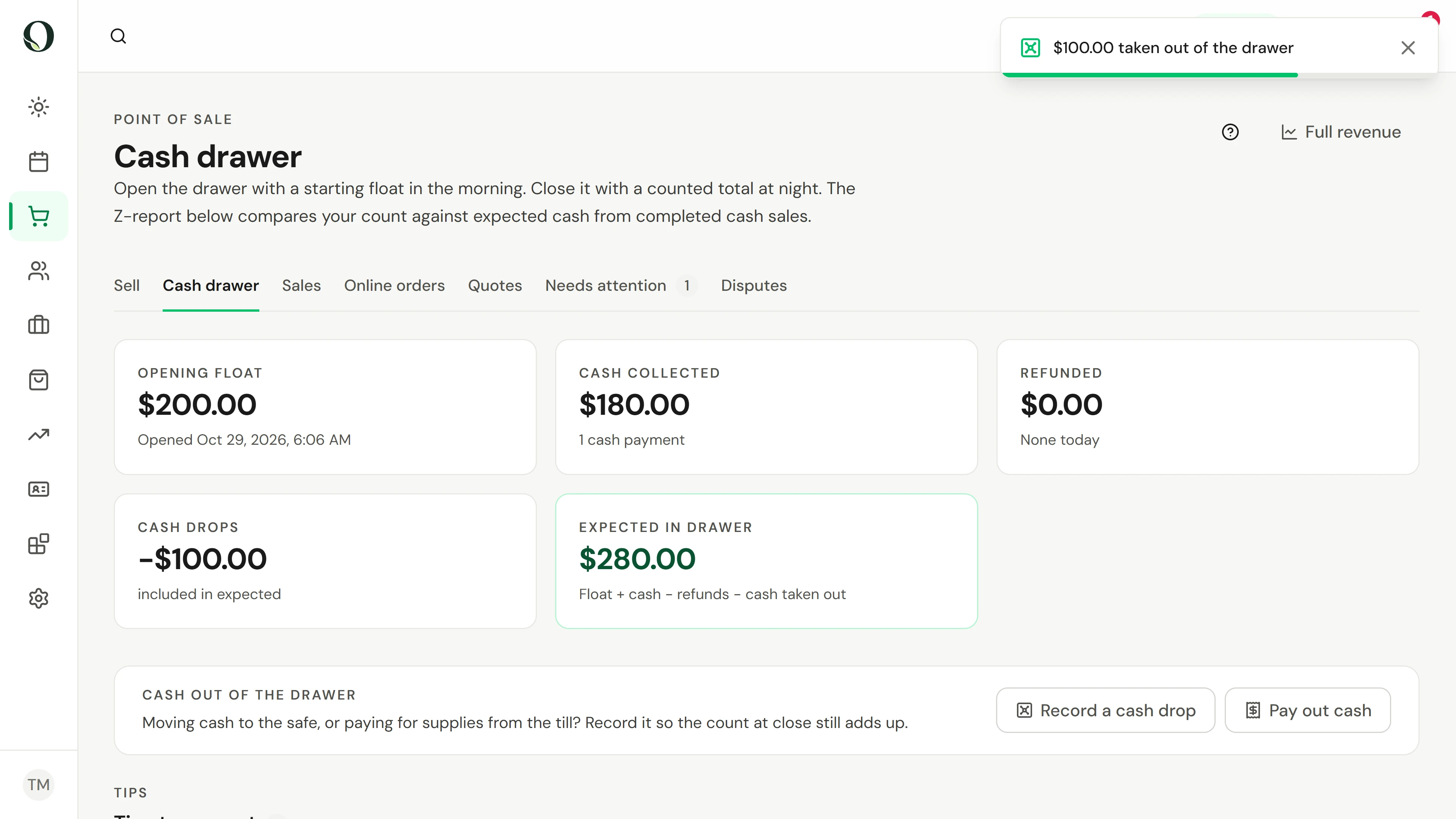
Taking cash to the safe? Choose Record a cash drop, enter the amount and the reason. Expected in drawer goes down to match.
4. Pay out tips
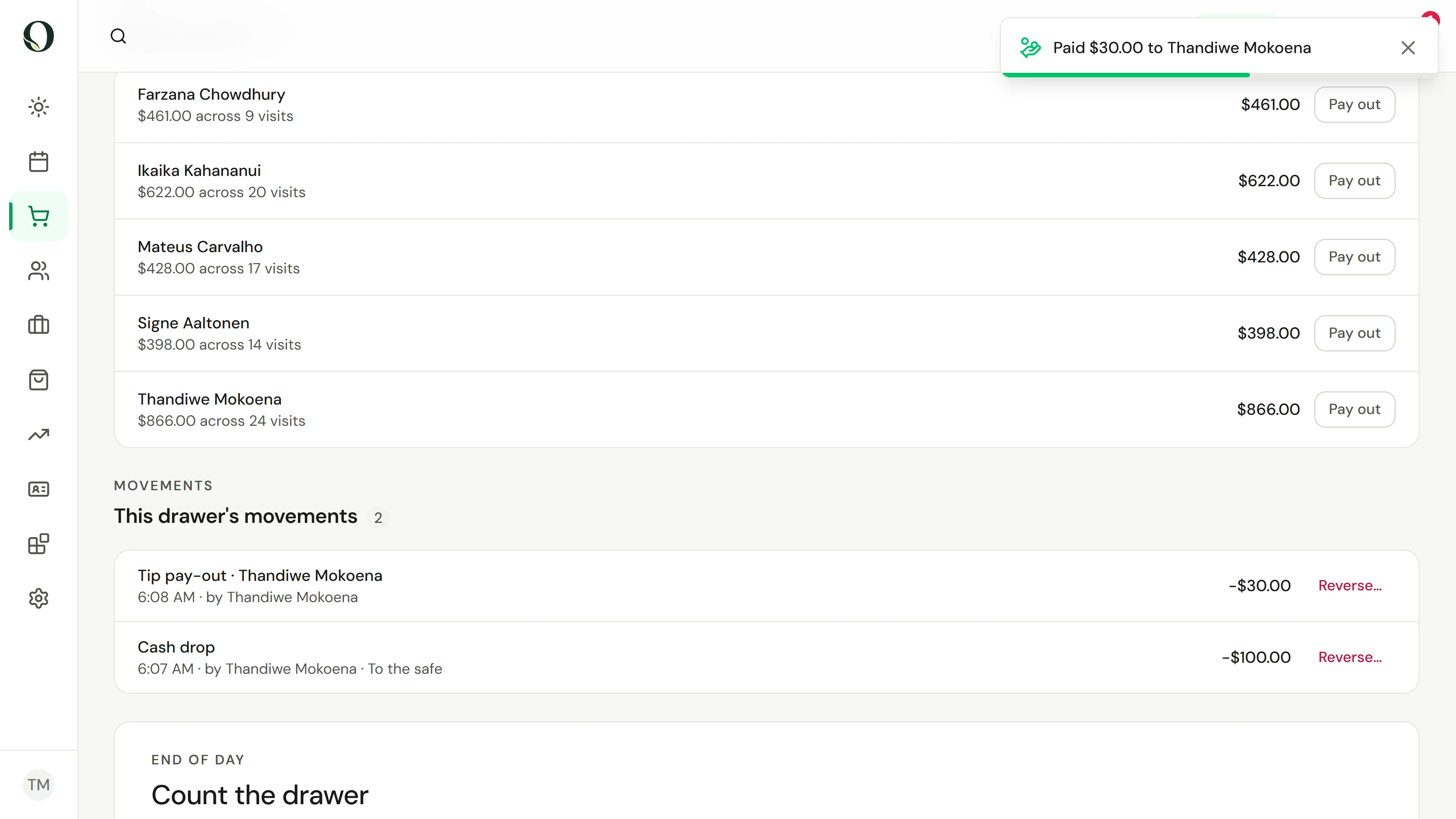
Cash tips waiting in this drawer are listed by team member. Choose Pay out, check the amount, and record it as you hand it over.
5. Count and close
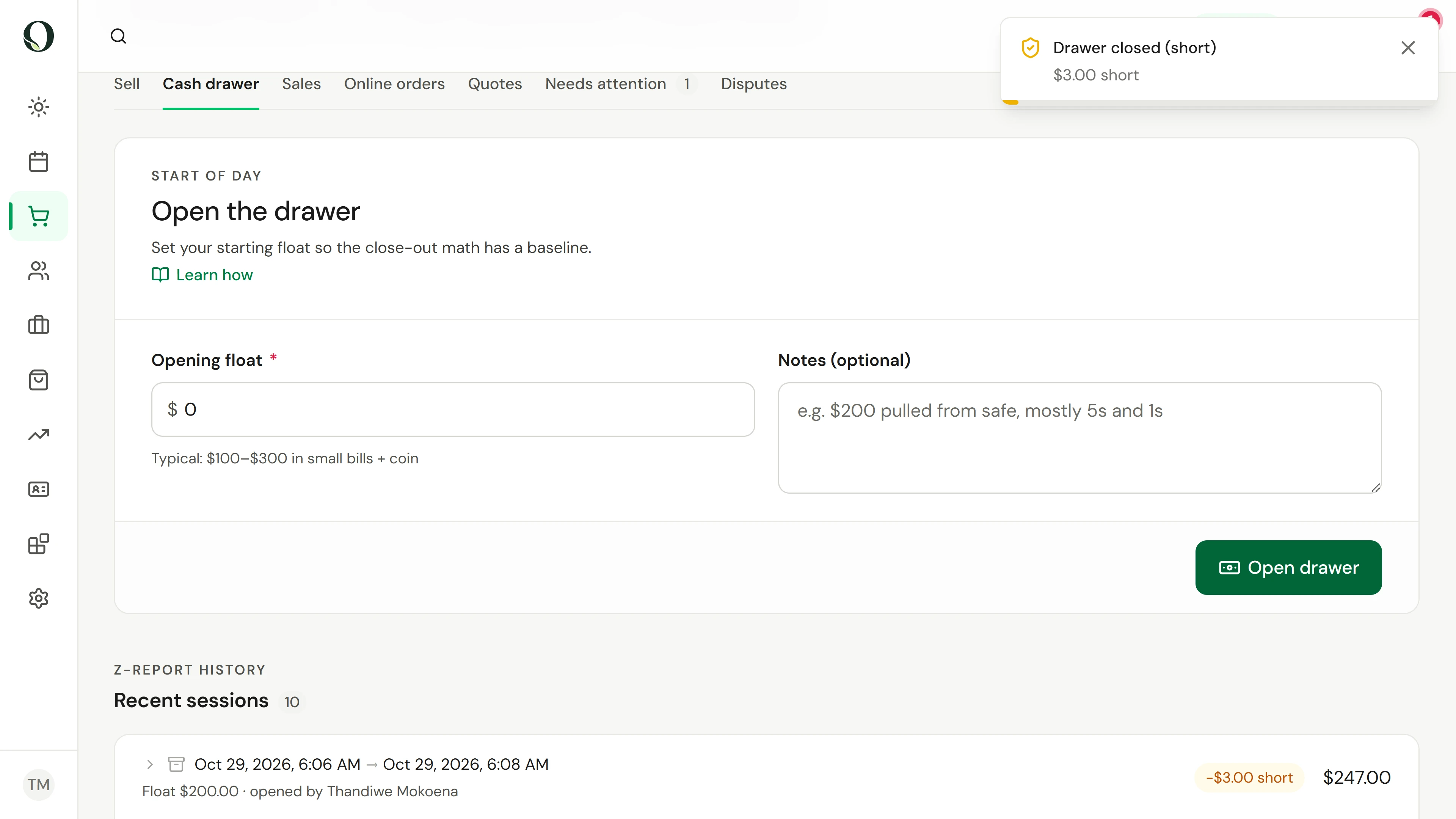
At close, count the drawer and type the total. A difference shows as short or over. Add a note saying what you know, then close the drawer.
6. Read the Z-report
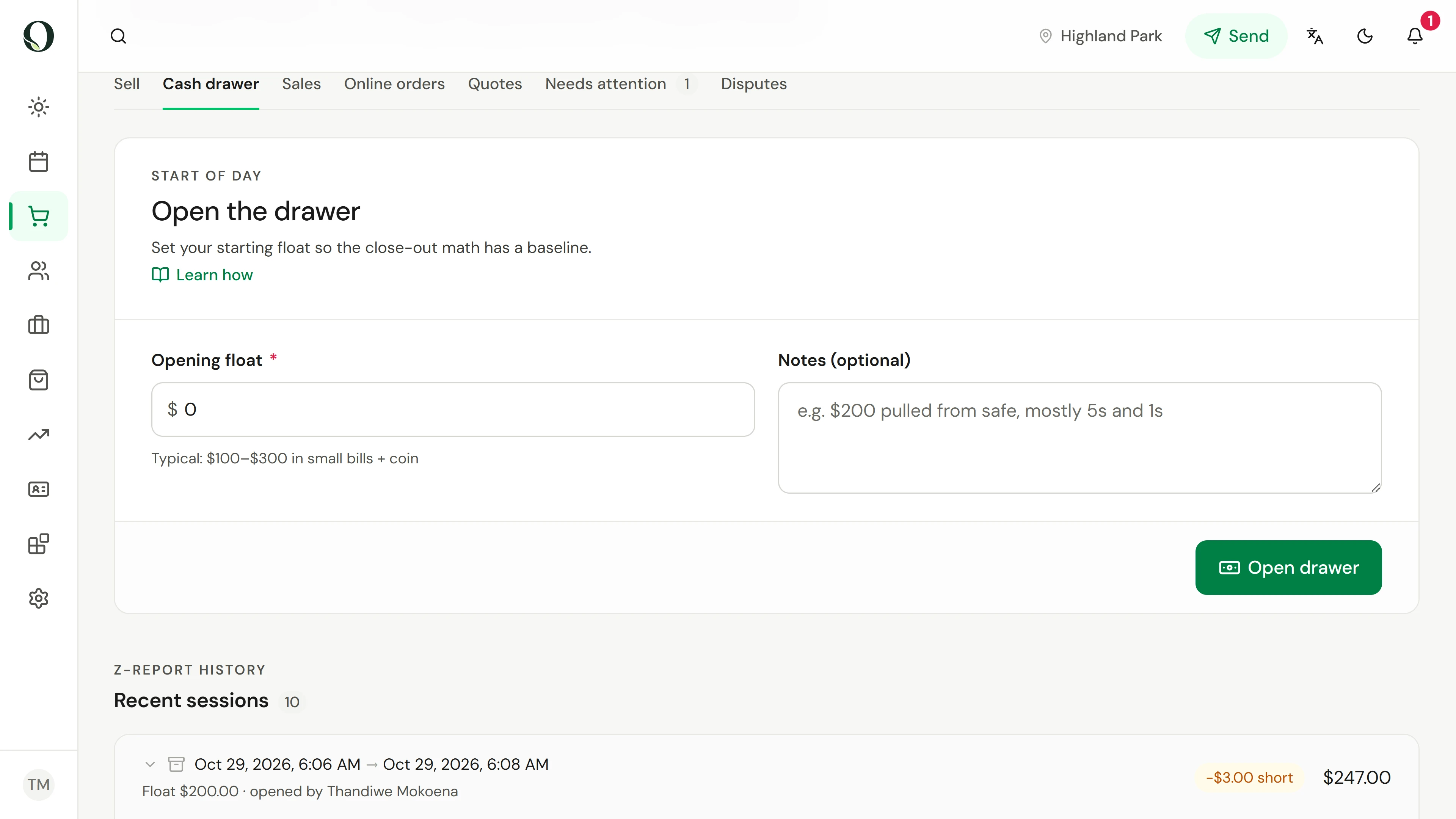
The closed session joins the Z-report history with its float, cash, movements and difference. Open it for the full breakdown.
Go deeper