

Owneli Academy
Situações reais.
Próximos passos claros.
Uma agenda vazia. Uma decisão de preços. Um cliente querendo retornar. Resolva problemas do dia a dia da empresa e conheça as tarefas da Owneli que ajudam.
Criado em torno do seu dia a dia
O que você procura hoje?
Escolha uma função para uma trilha de aprendizado curta e prática. Você pode explorar qualquer trilha.
Sua trilha sugerida
I run a business
20 passos a passo exibidos
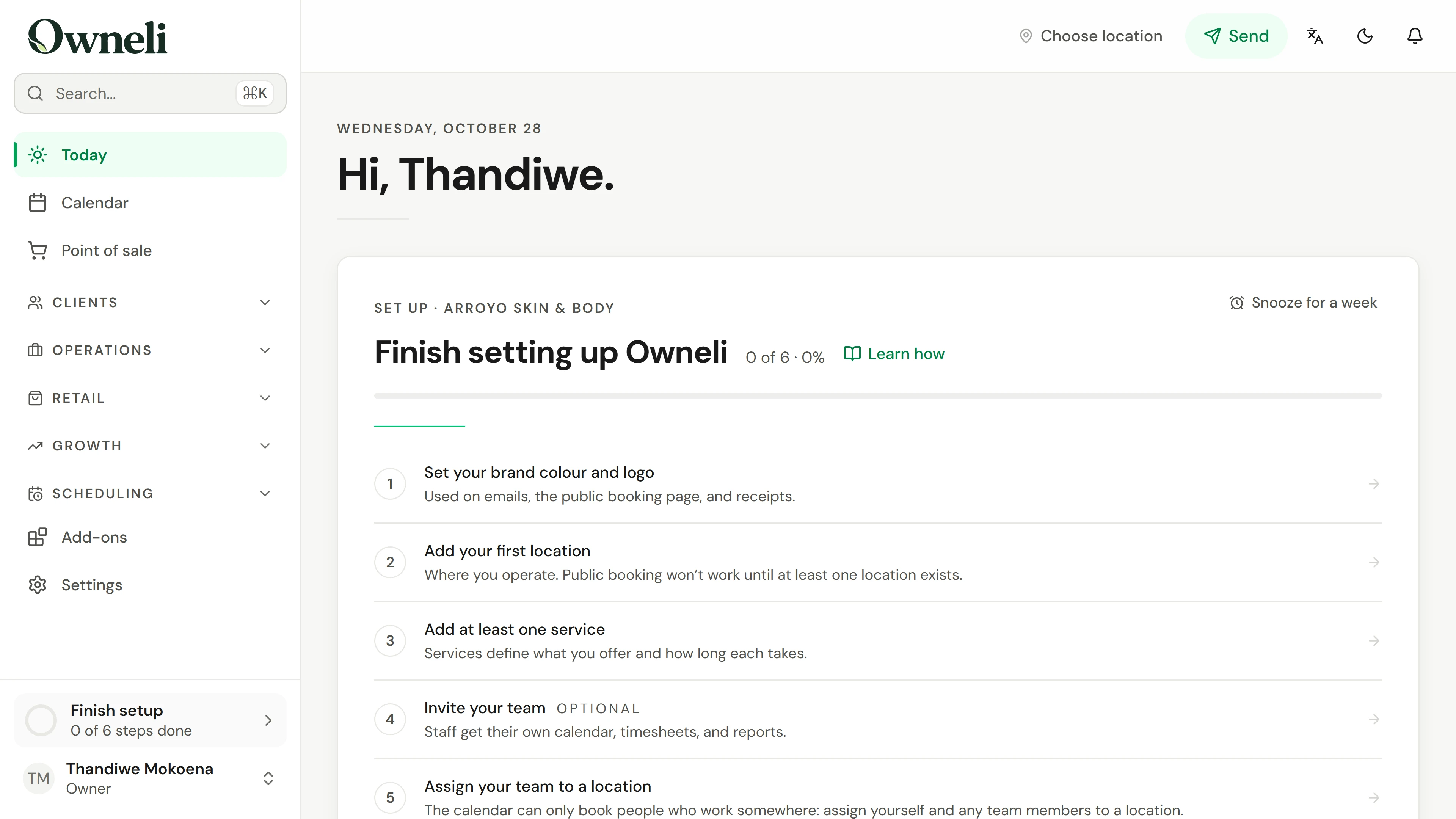
01. Your business is new. Get it ready for its first booking.
Work through the setup list on Today: your brand, a location, a service, your hours and a first client, then online booking and payments.
Explorar esta situação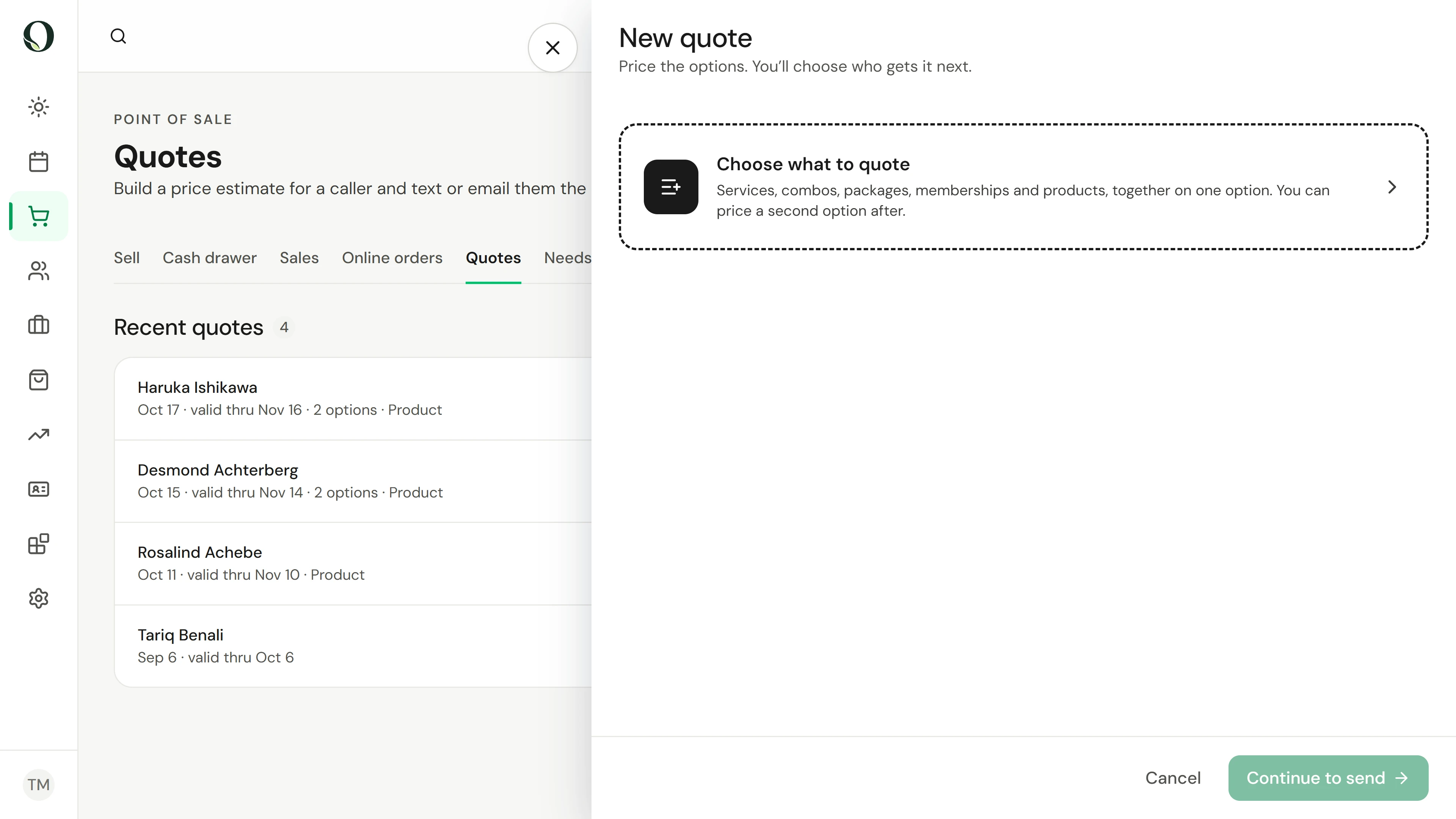
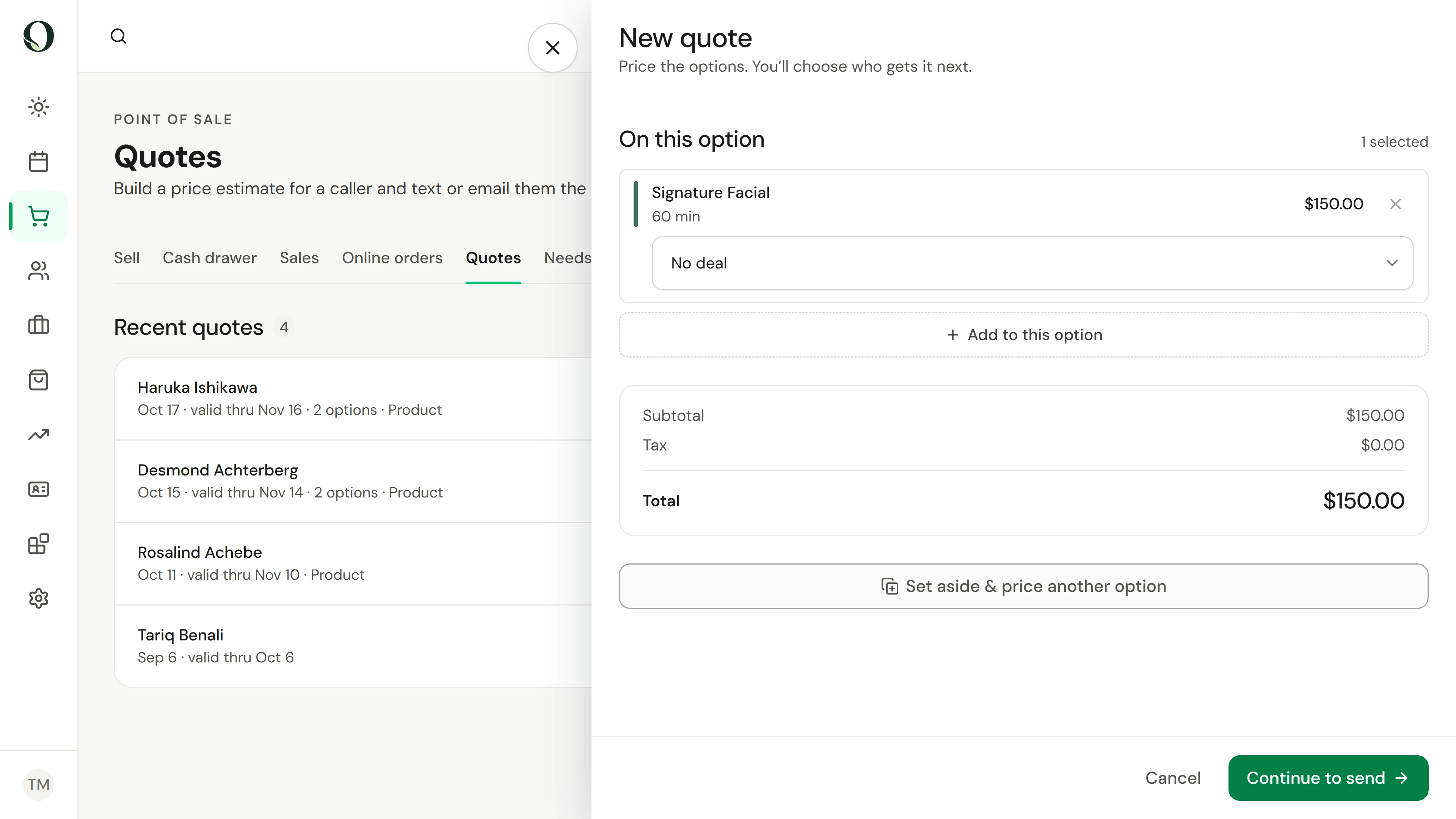
02. A caller wants prices. Give them a next step.
Build a clear estimate, compare options, and show a caller how to move from a price enquiry to booking.
Explorar esta situação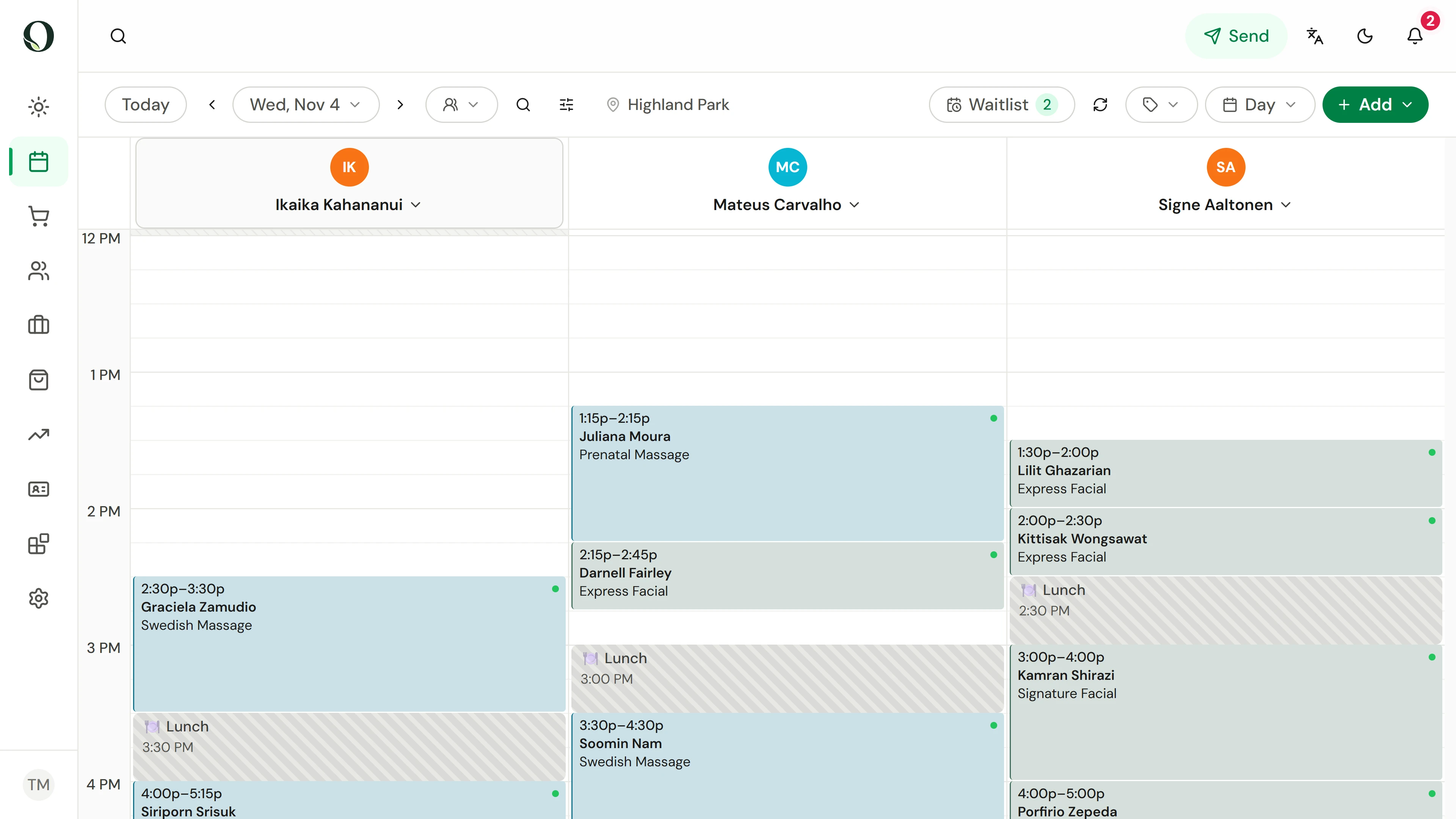
03. Book the whole visit while the client is on the phone.
Find the booking controls, choose the client and services, and check the complete visit before confirming.
Explorar esta situação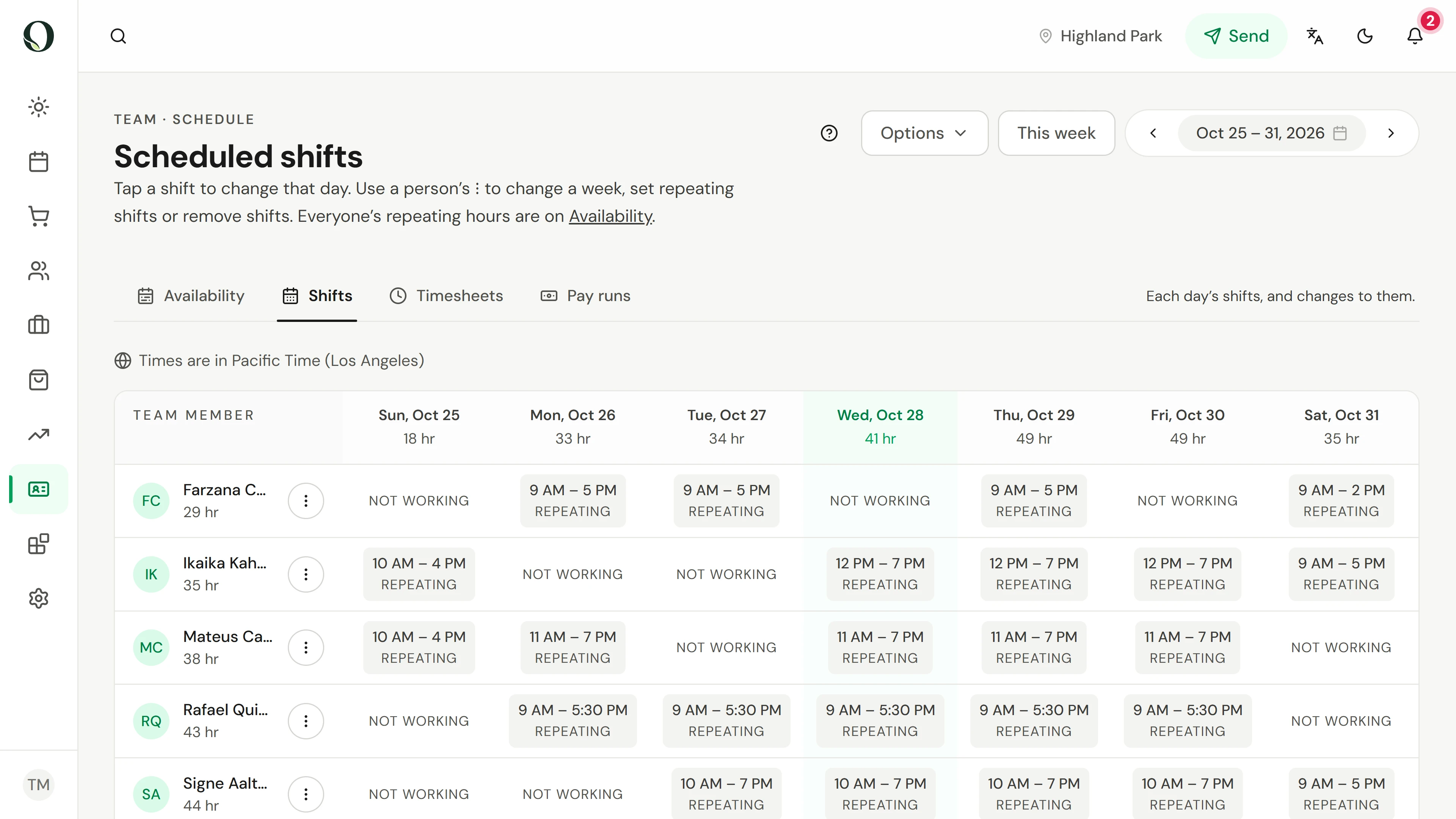
04. Someone is starting late this week. Adjust the right schedule.
Understand the difference between repeating availability and a change for a particular week.
Explorar esta situação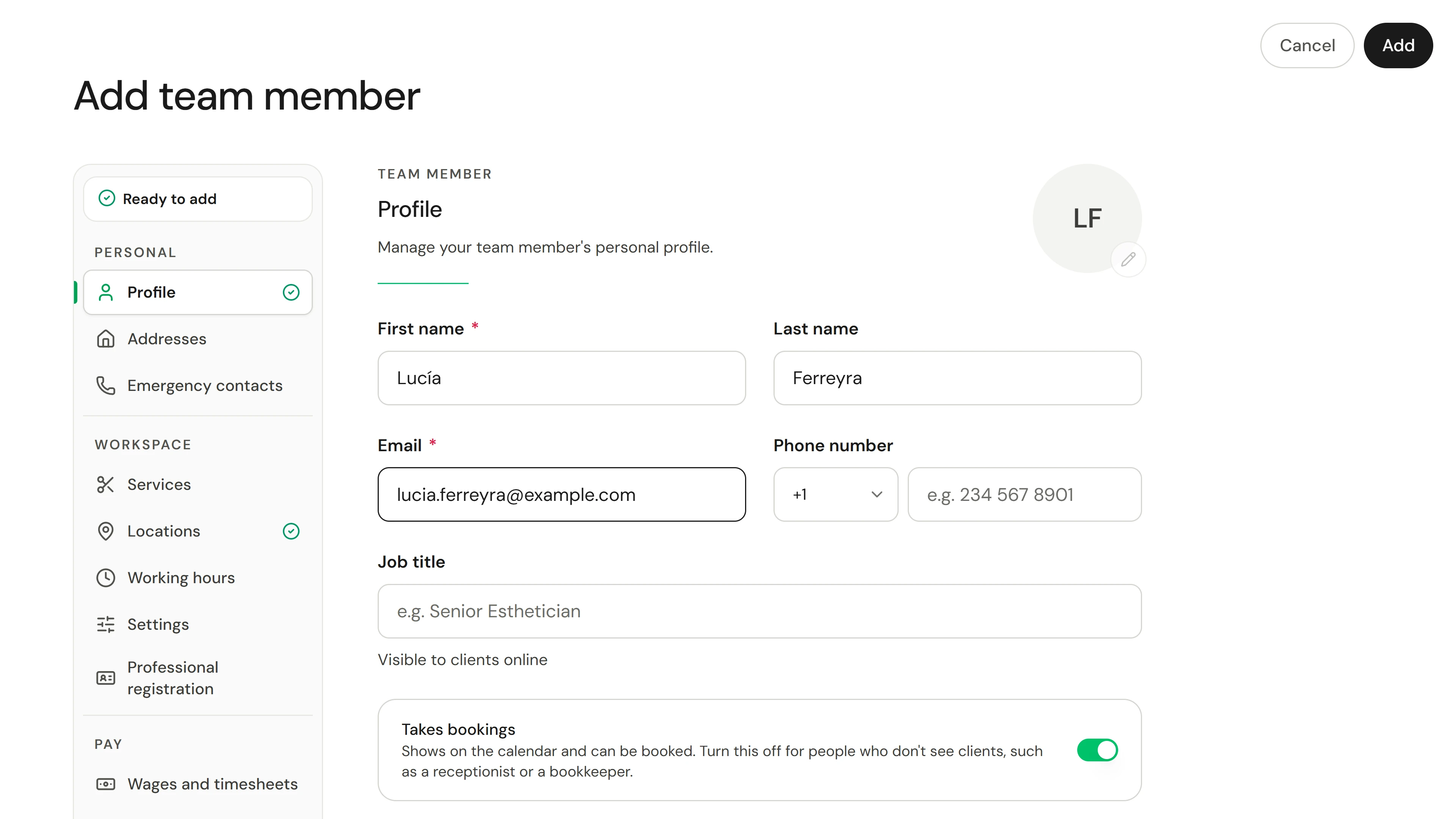
05. Someone new starts soon. Invite them with the right access.
Invite a team member, choose their role, services and location, and track the invitation until they join.
Explorar esta situação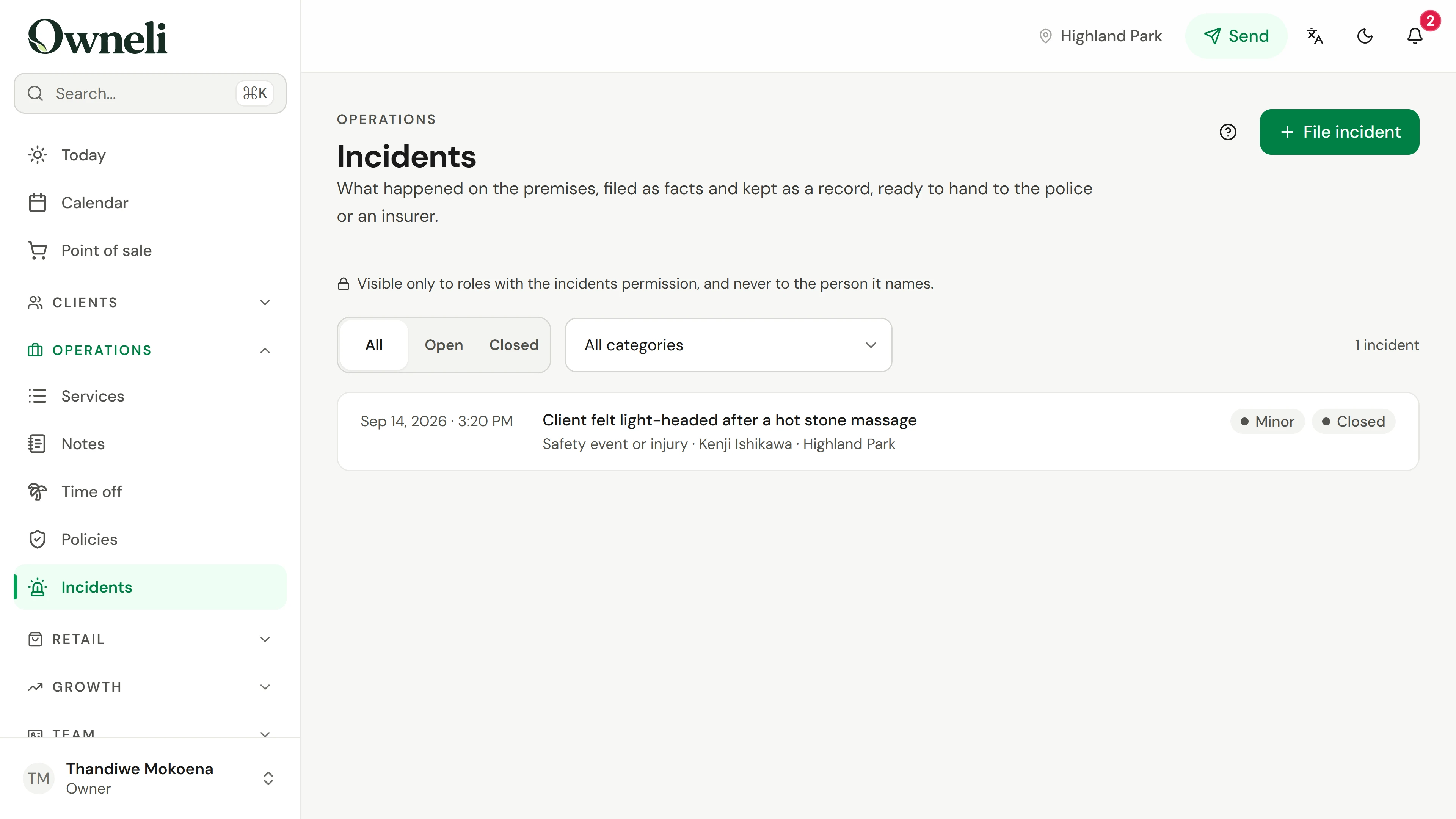
06. Something happened at the venue. Record it while it's fresh.
File a factual incident record with the response and a witness, then follow it up and close it.
Explorar esta situação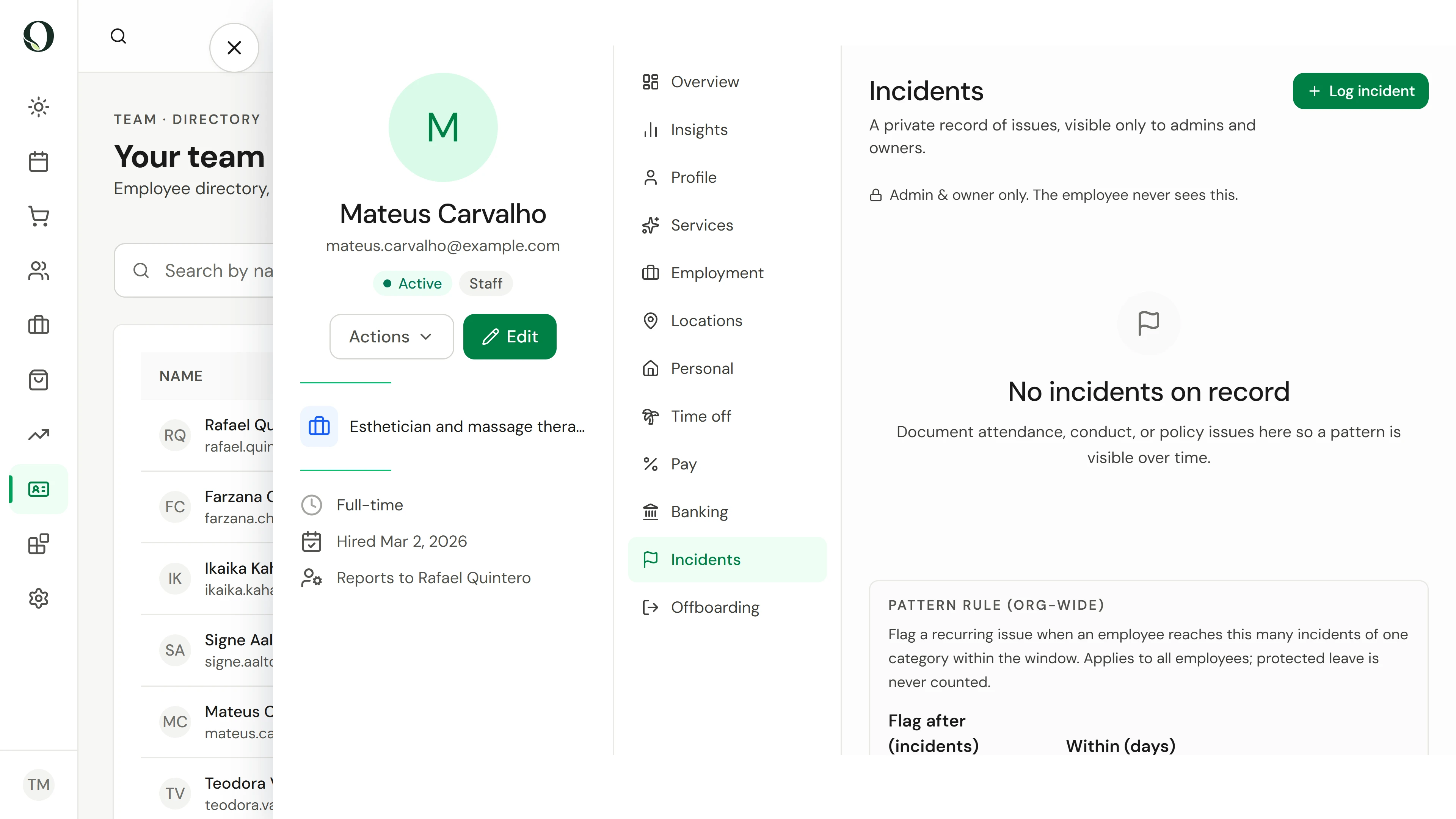
07. A team member was late again. Keep a fair, private record.
Log a factual incident on a team member's record, see who can read it, and how a pattern is flagged.
Explorar esta situação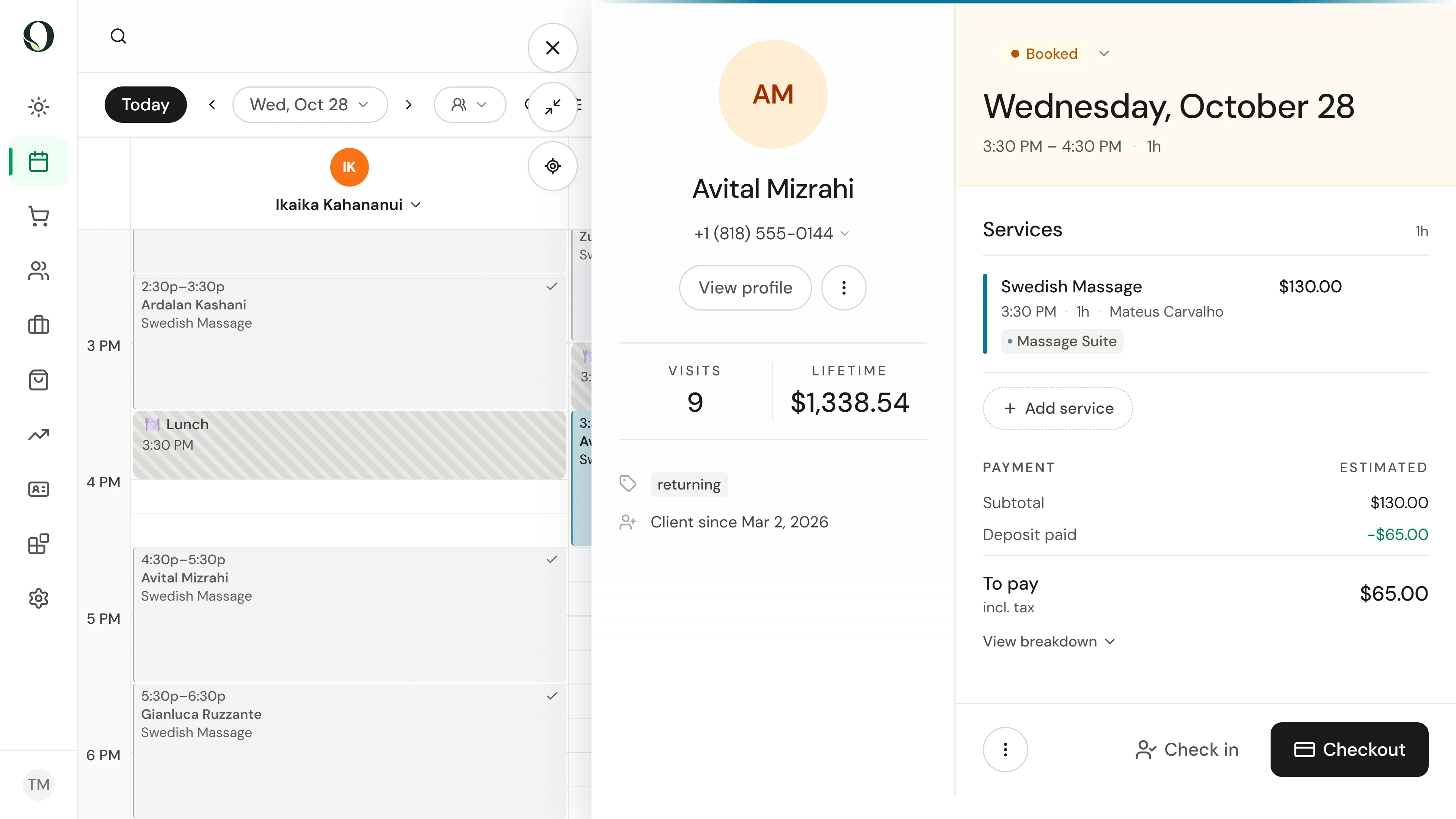
08. A client cancels late and another never arrives. Apply your payment policy.
Cancel a booking inside the cancellation window and keep its deposit as the fee, mark a no-show, and collect the no-show fee at the till when there is no card to charge.
Explorar esta situação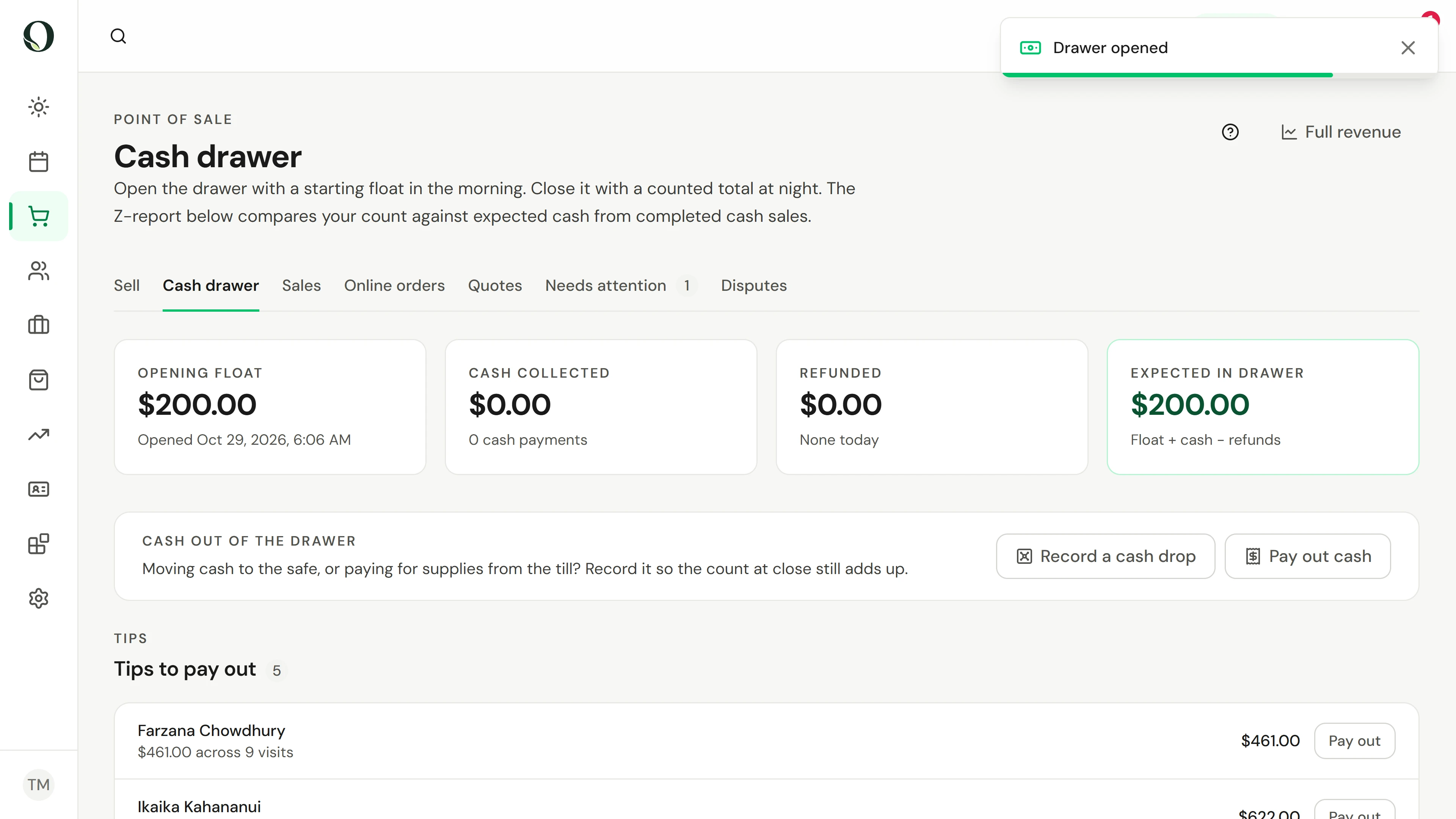
09. Start the day with a float. End it with a count.
Open the cash drawer, record cash drops and tip pay-outs, then count it at close and read the Z-report.
Explorar esta situação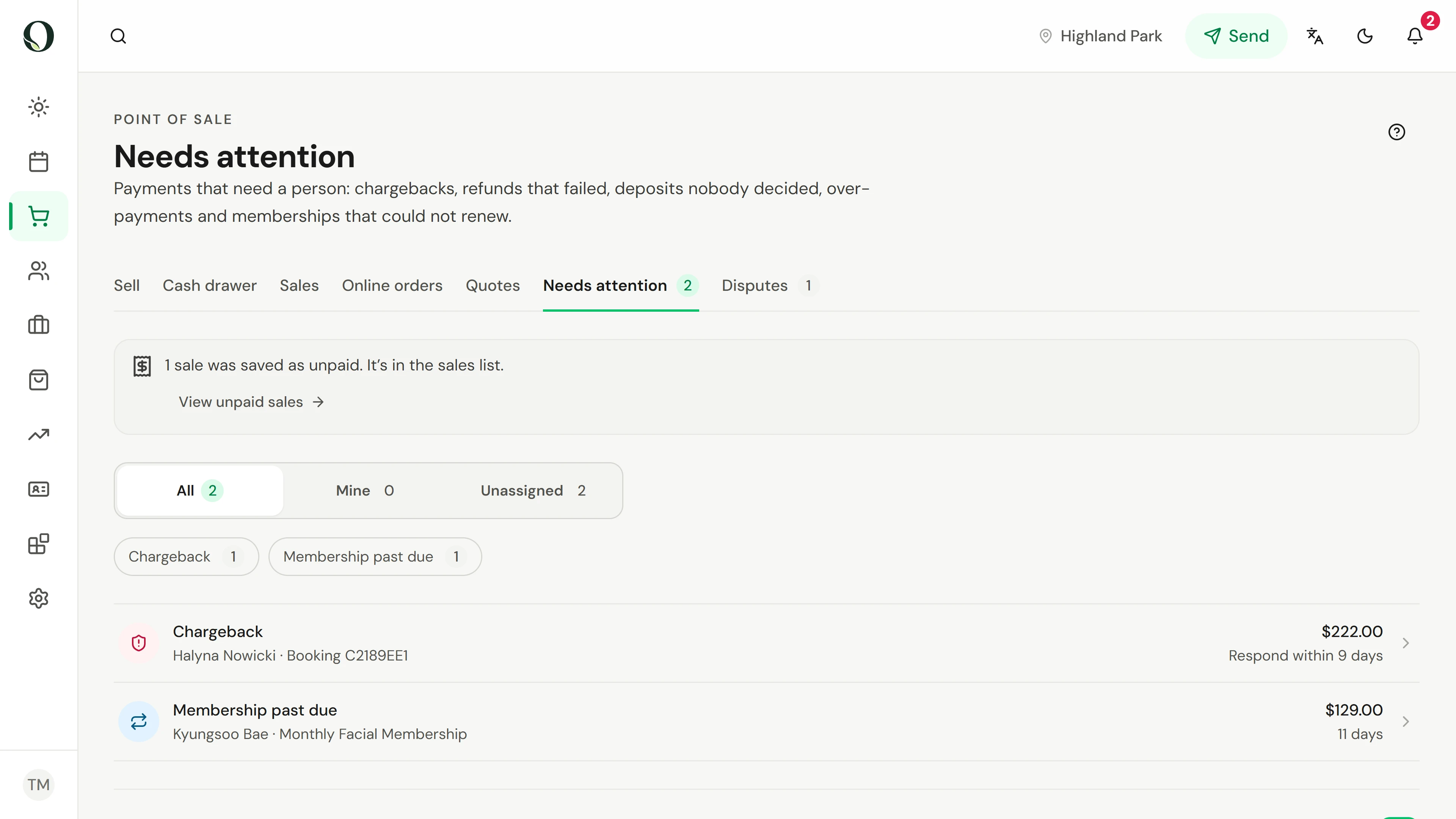
10. Some payments need a person. Clear them first.
See what lands in Needs attention, take ownership of an item, and go straight to the action that resolves it.
Explorar esta situação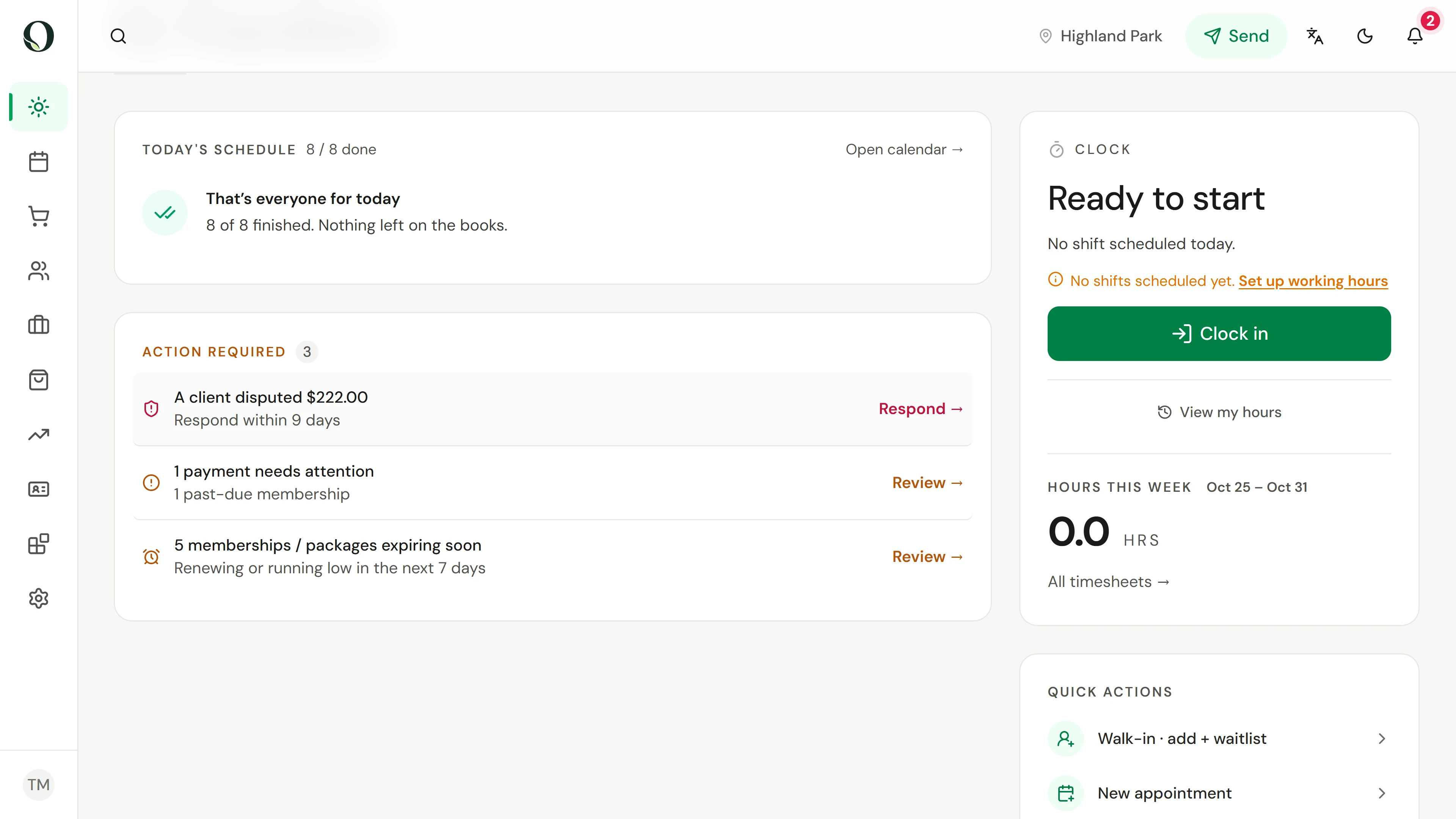
11. A client disputed a card charge. Find it before the deadline.
See where a chargeback shows up, what each stage means, how long you have to answer and what is held from your payouts.
Explorar esta situação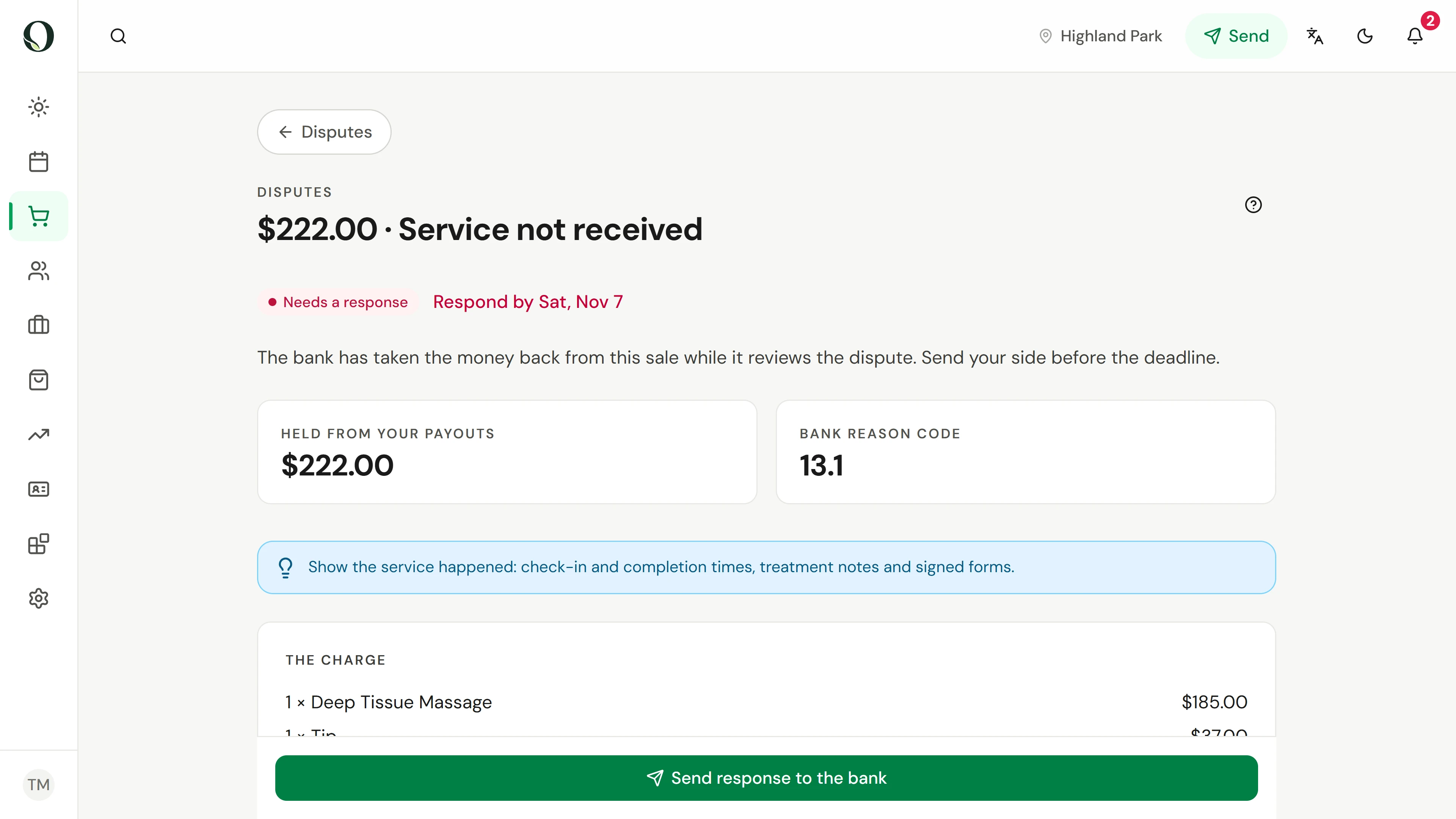
12. Answer a card dispute with the evidence that wins it.
Use the evidence Owneli gathers, add your explanation and files, and know what winning, losing or accepting costs.
Explorar esta situação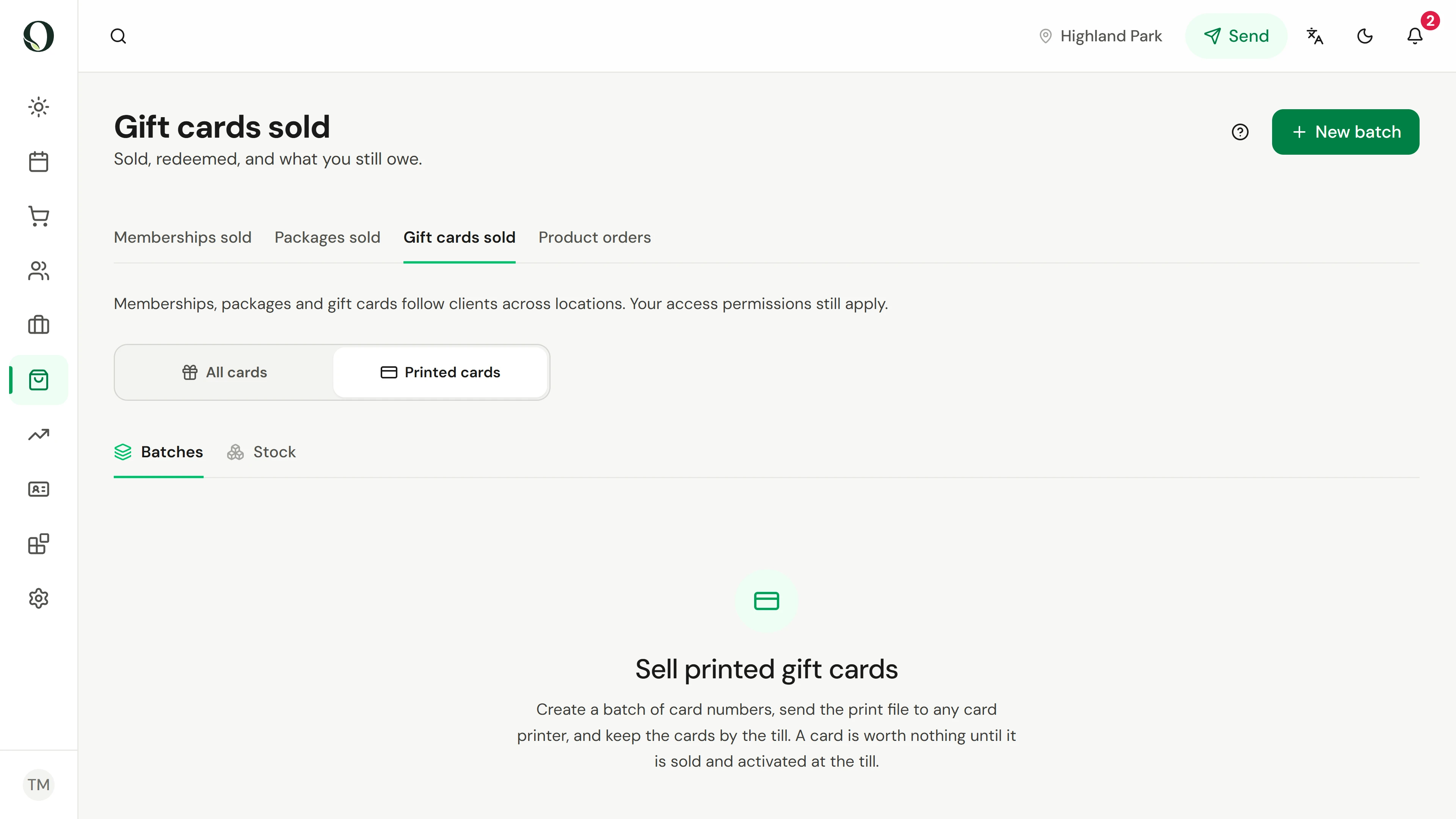
13. Print a batch of gift cards for the holidays.
Make a batch of numbered cards, download the print file and proof sheet, and know exactly what to ask a card printer for.
Explorar esta situação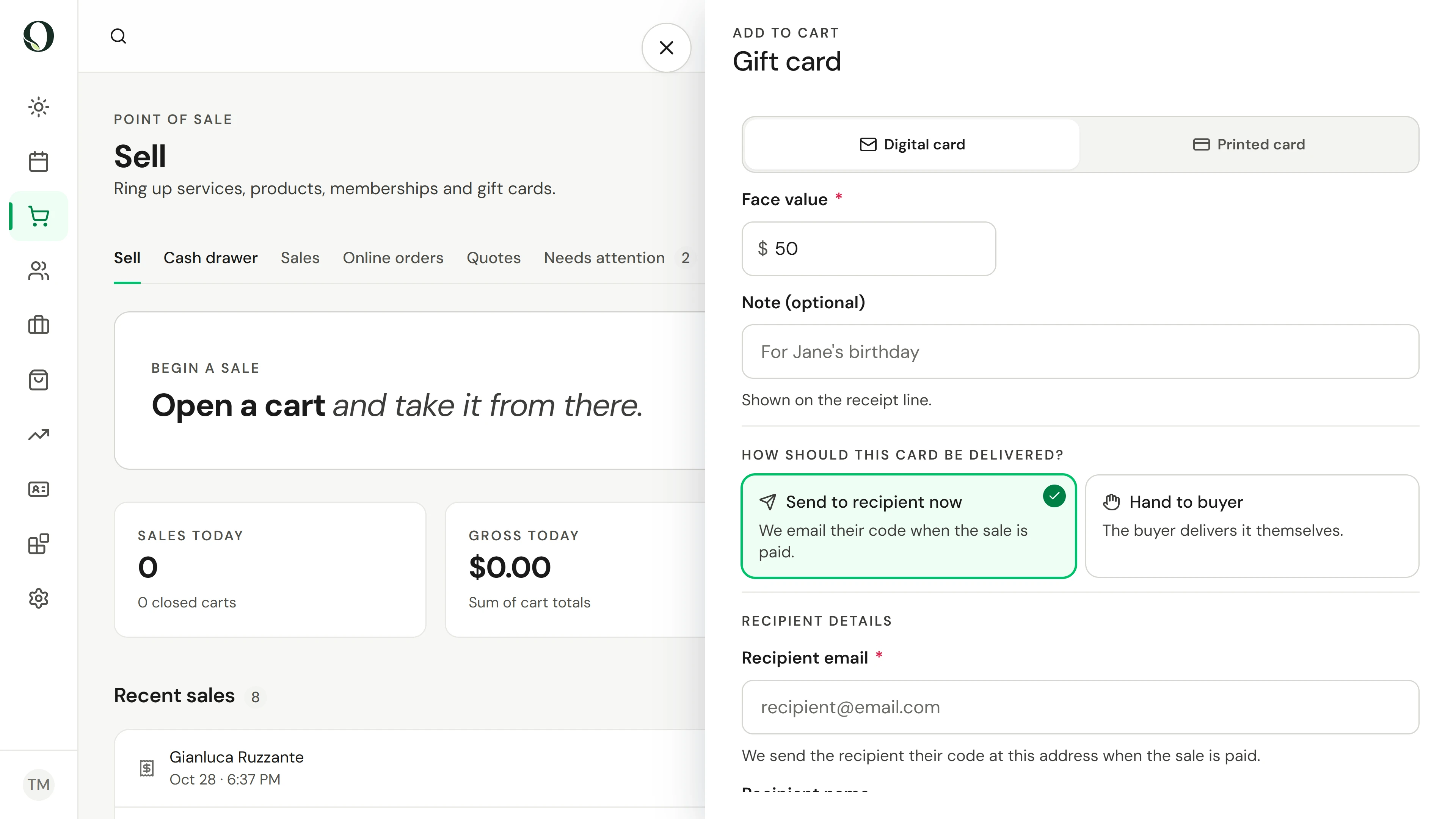
14. A client brings a gift card from the rack. Sell it.
Scan a printed card at the till, confirm its value, take the payment and see the card go live.
Explorar esta situação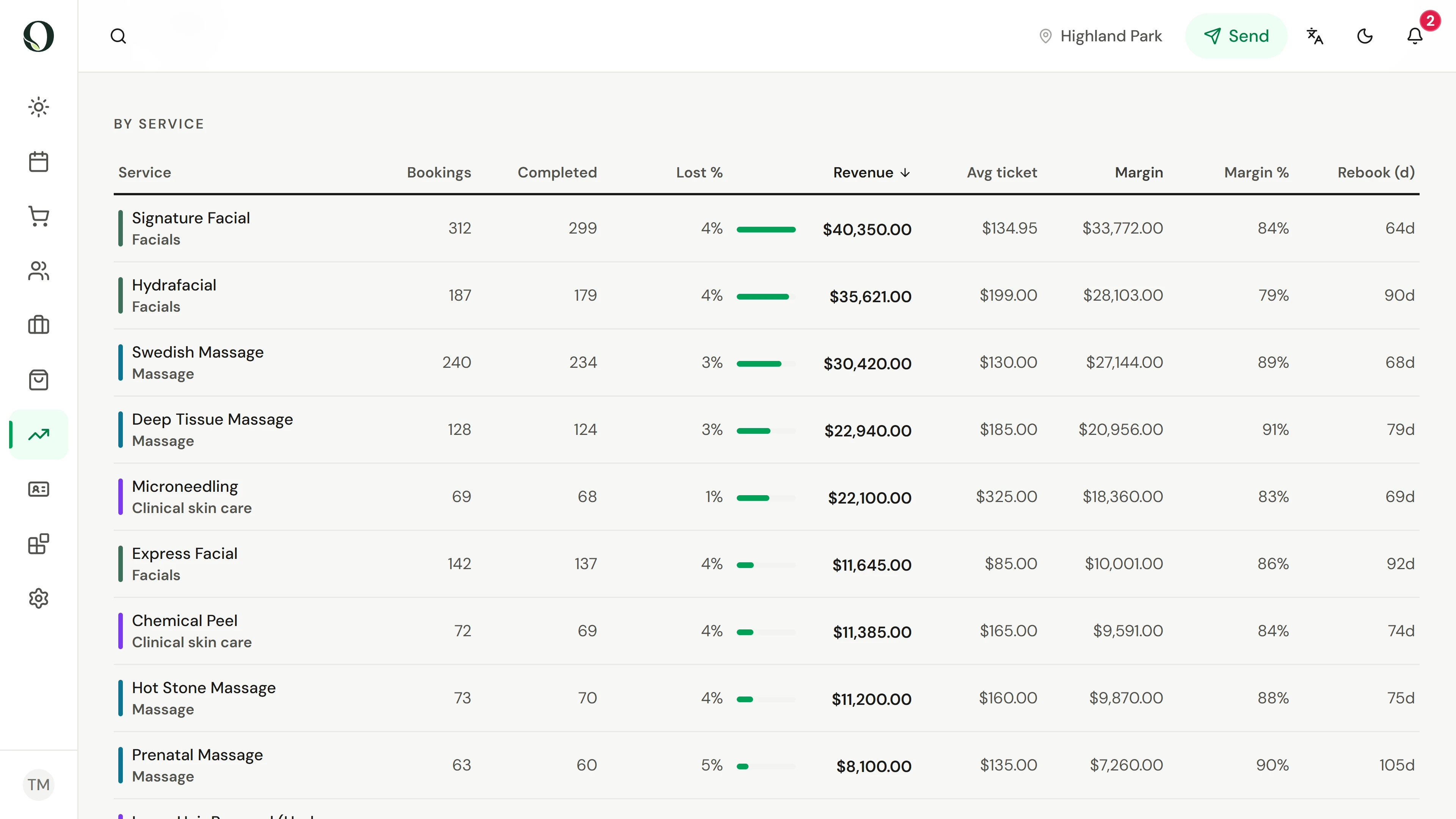
15. Your calendar is full. Check what each service earns.
A practical pricing check using the full appointment time, direct costs and the effect of a discount.
Explorar esta situação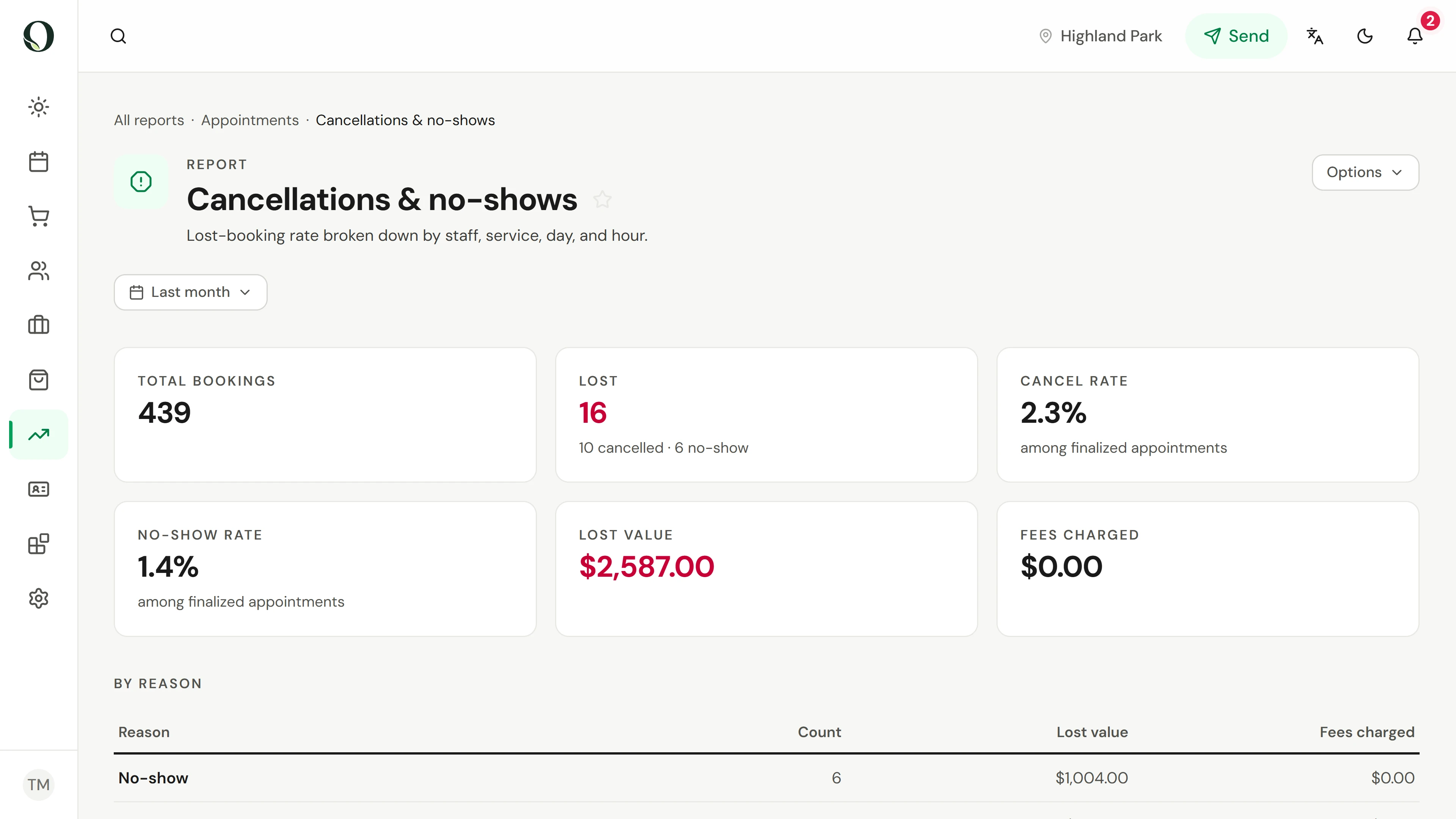
16. Clients miss visits. Make the next step clear.
Find where missed visits happen, check what the reminder tells clients and offer a freed slot to someone waiting.
Explorar esta situação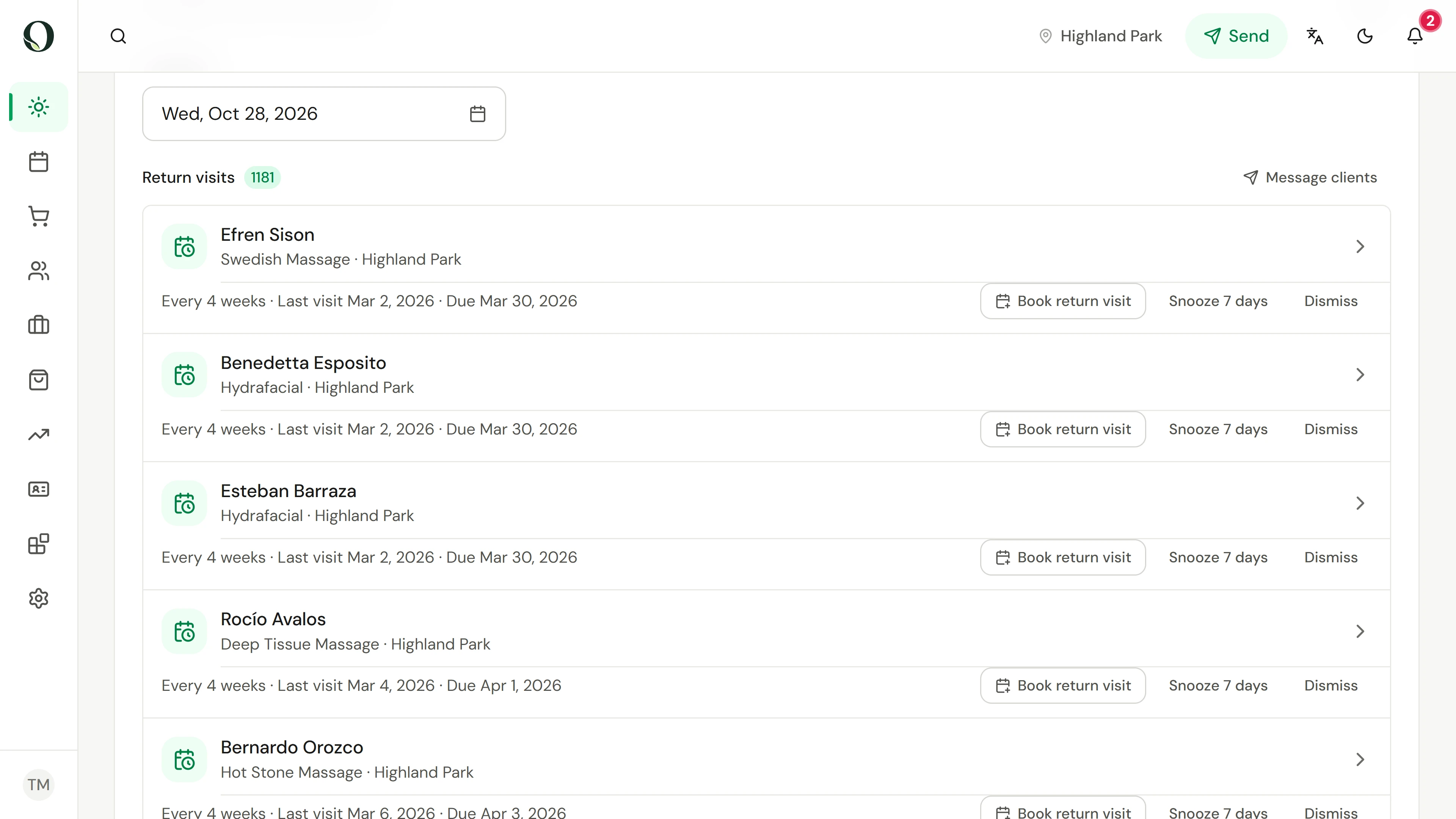
17. Clients mean to return. Make rebooking easier.
Use relevant, well-timed nudges to make the next visit easier to arrange, and measure what happens afterwards.
Explorar esta situação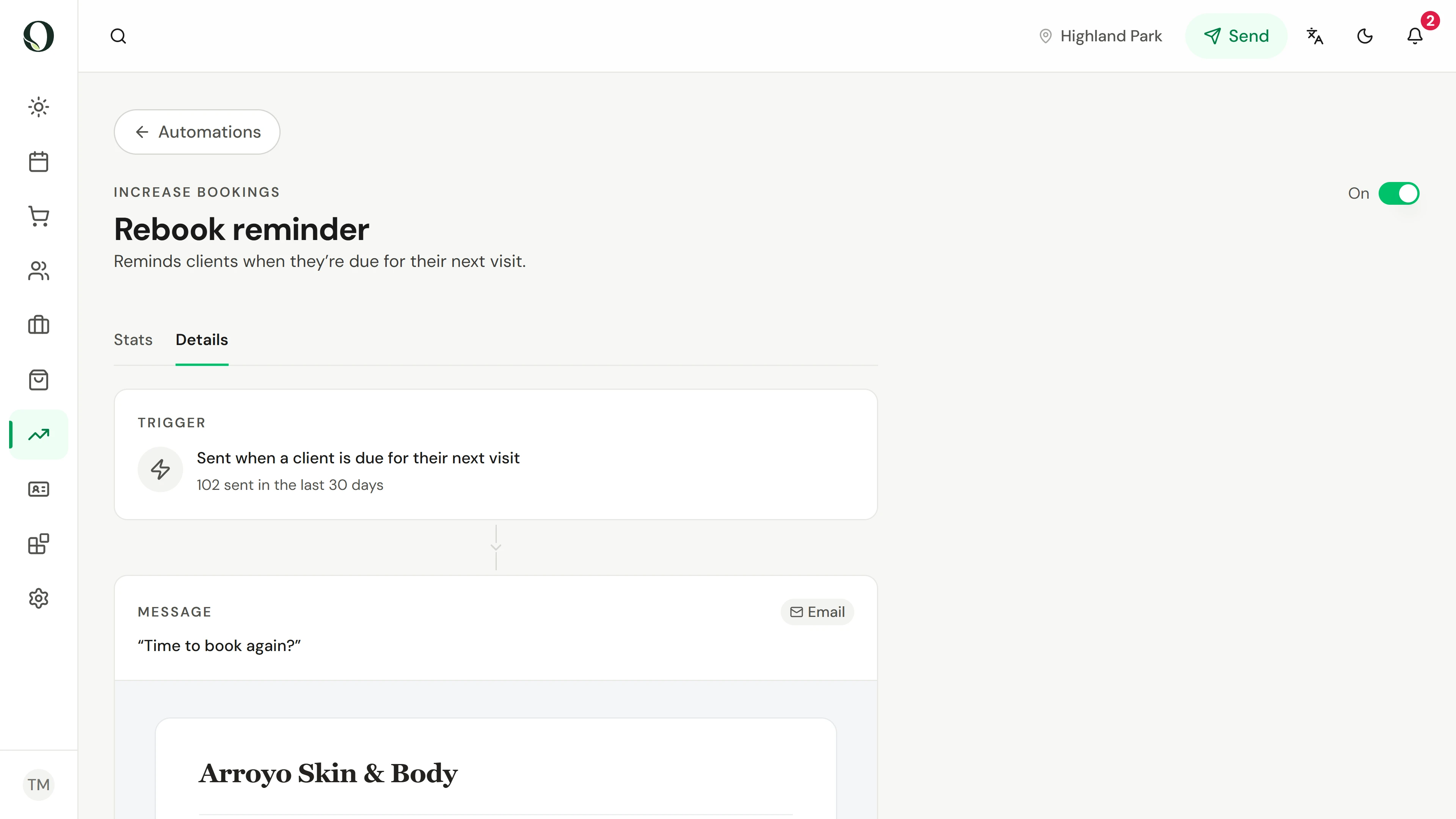
18. Clients are due back. Review your rebook reminder.
Review the business default, a service-specific rebooking interval and the conversion report before saving changes.
Explorar esta situação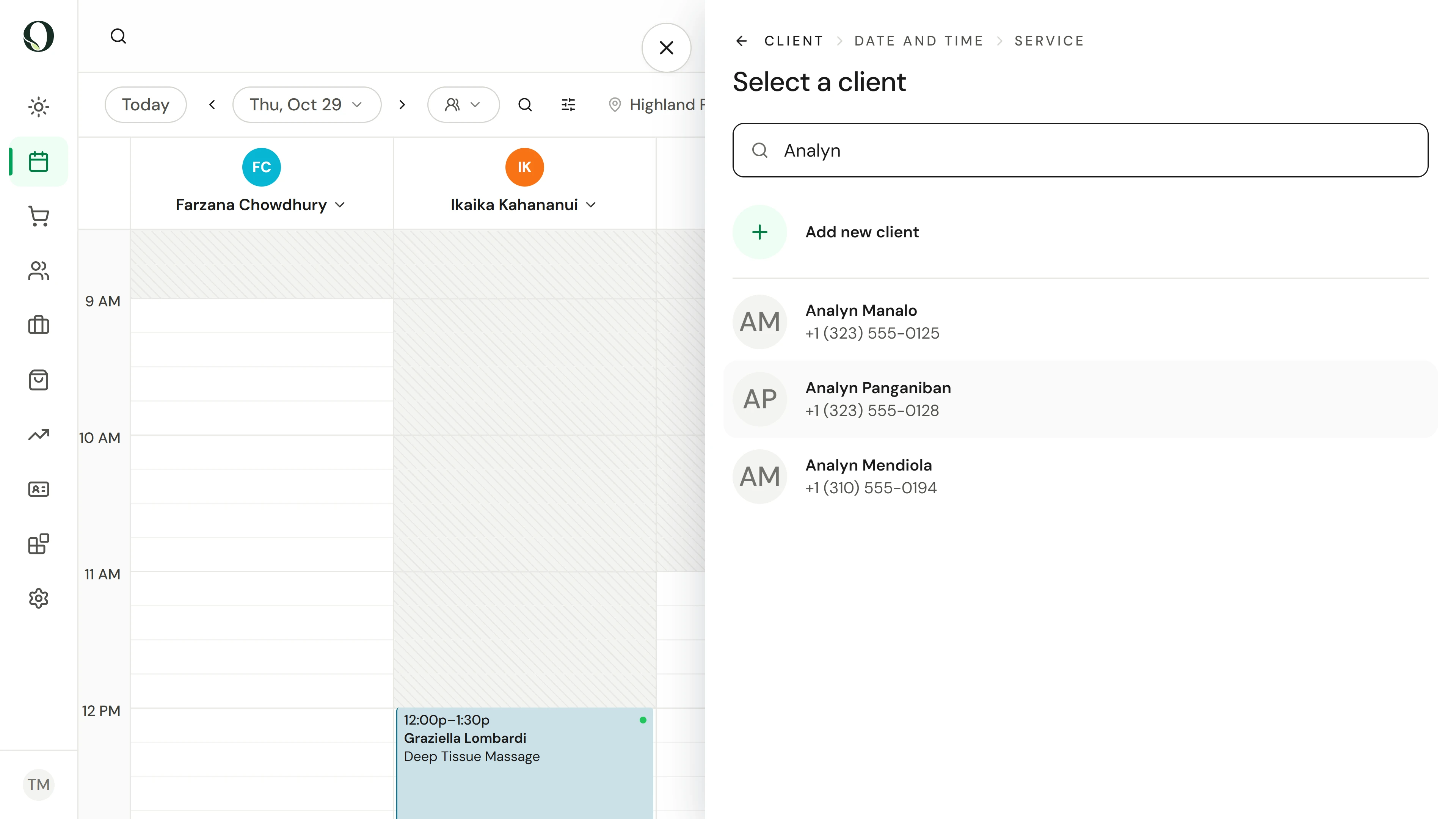
19. A client needs another time. Prepare a waitlist request.
Record the client’s preferred times and service in an unsaved waitlist request, then review the handover.
Explorar esta situação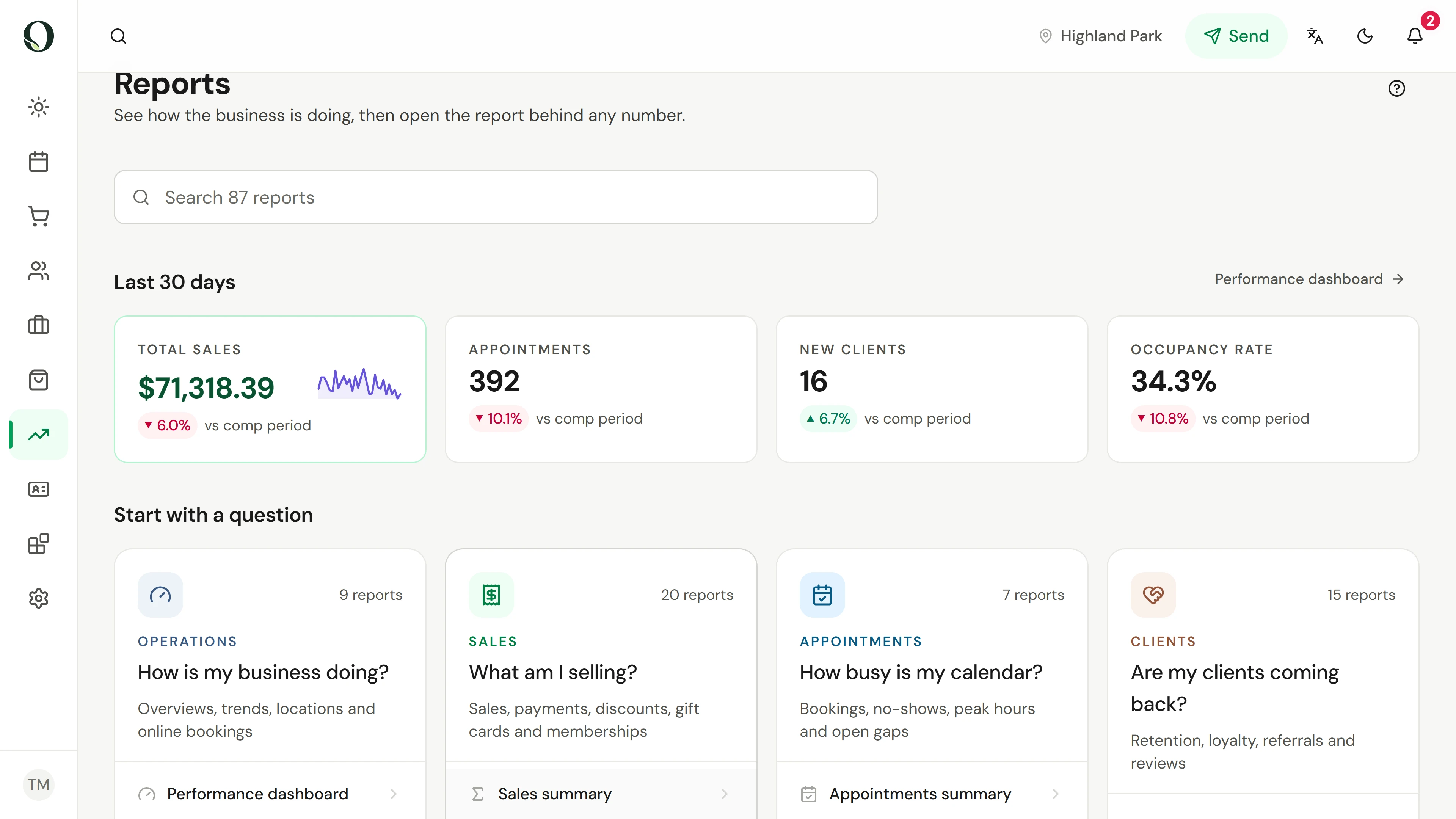
20. Sales and cash differ. Read the right report.
Use sales and payment reports to separate sales, money collected and value still owed to clients.
Explorar esta situaçãoProcurando uma resposta específica?
A biblioteca de ajuda tem a referência completa, incluindo permissões, configurações e exceções.