

FOR MEDICAL SPAS AND CLINICS
Consent, charting and photos for medical spas.
For medical spas and aesthetic clinics: consent forms per treatment that must be signed before payment, clinician sign-off, treatment charts, before and after photos only the right people can see, and rooms and machines that cannot be double-booked.

At a glance
- Made for
- Medical spas, aesthetic and laser clinics, and wellness practices with providers and treatment rooms.
- Clinical records
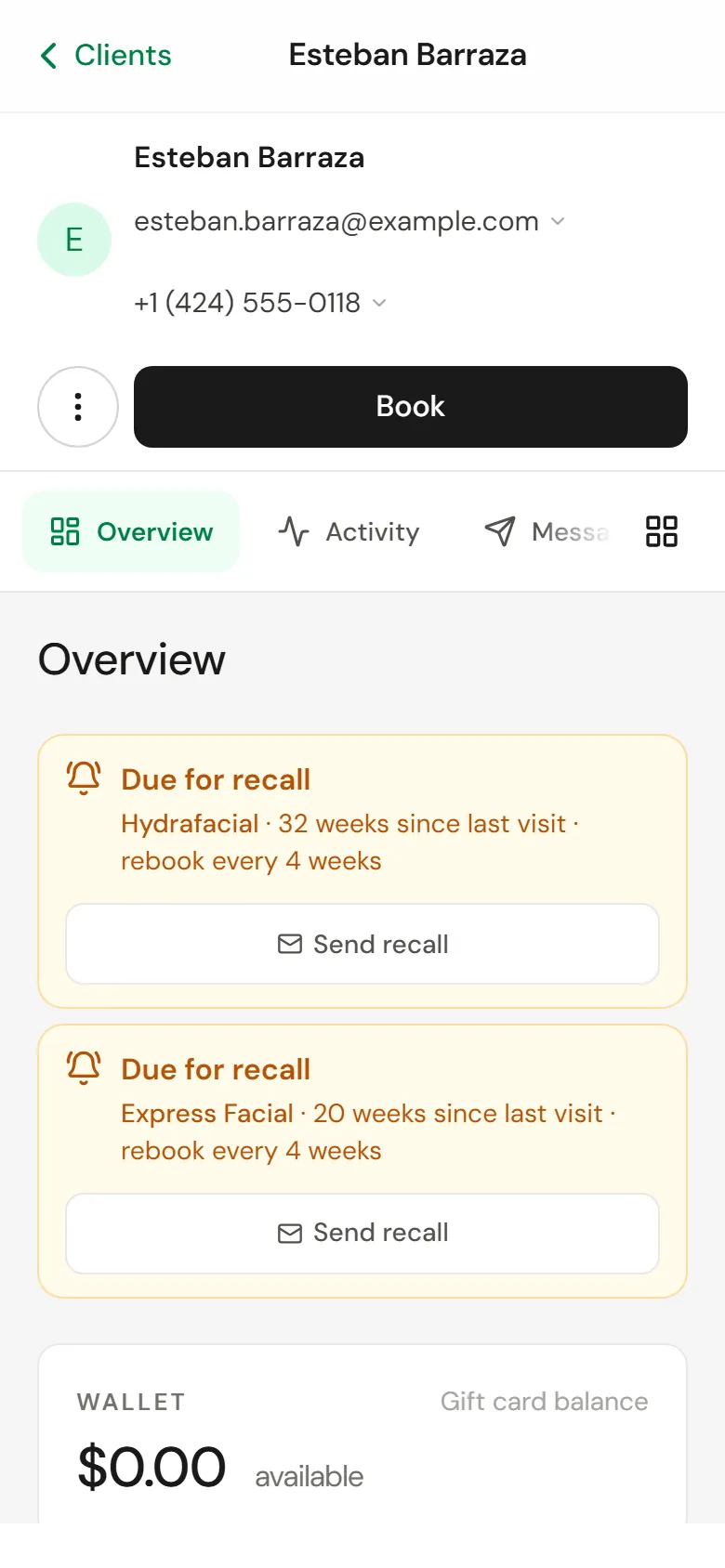
- Consent forms, clinician sign-off, treatment charts and before and after photos on each client.
- Access
- Roles decide who sees clinical fields and photos; every chart view is in the audit log.
- Data
- Stored in the United States. Clinical charting stays off until you switch it on.
Consent and clinical records
Each treatment can carry its own forms, and the record shows who signed what and when.
Intake and consent forms
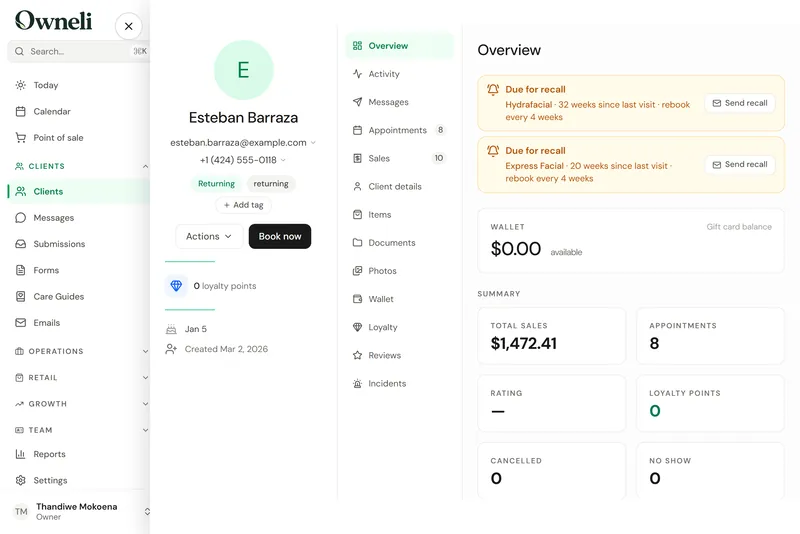
Build intake, consent and survey forms with conditions, scores and signatures, send them before a visit, and make a form required before a service can be paid for.
Read the guide: Intake and consent formsClinician sign-off and PDFs
Read a client’s answers and signature, sign the form off as a clinician, and download it as a PDF.
Read the guide: Clinician sign-off and PDFsTreatment charts
Providers fill in treatment charts on appointments once clinical charting is switched on. It is off until you turn it on, and every chart view is recorded in the audit log.
Read the guide: Treatment chartsBefore and after photos
Add before, after and progress photos to a client’s profile, compare two side by side, and choose who on the team can see them.
Read the guide: Before and after photosPre-care and aftercare guides
Share pre-care and aftercare instructions by private link, with reusable email templates for everything else.
Read the guide: Pre-care and aftercare guides
Providers, rooms and machines
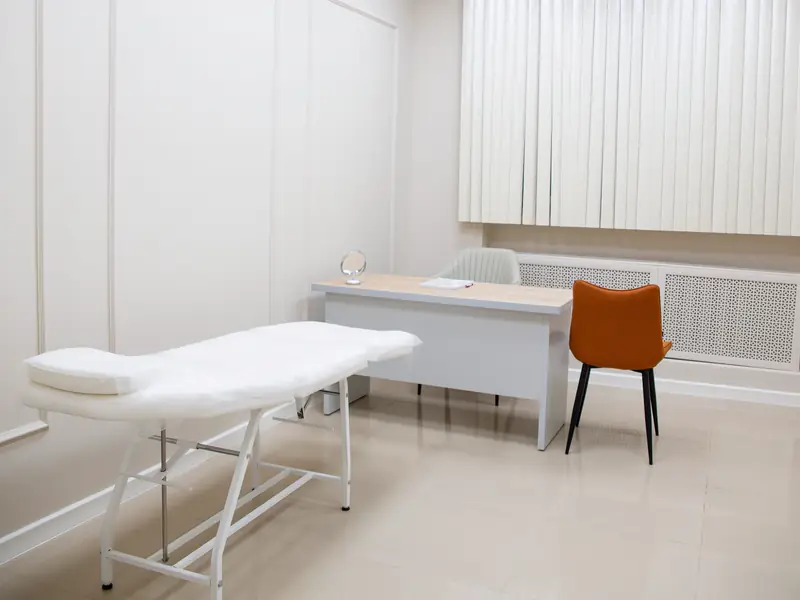
A booking reserves the provider and the room or device the service needs, so a laser is never booked twice.
A calendar for the whole team
Six calendar views, drag to move and resize, recurring series, group bookings and several services in one visit, each with its own provider if needed.
Read the guide: A calendar for the whole teamRooms and equipment
Link rooms and machines to the services that need them, so every booking reserves a free one and two clients never share one laser.
Read the guide: Rooms and equipmentCheck-in kiosk
A lobby tablet where clients check themselves in, fill in forms and join the walk-in queue.
Read the guide: Check-in kioskShifts, timesheets and time off
Working hours and weekly shift patterns, clock-in timesheets you approve, and time-off requests.
Read the guide: Shifts, timesheets and time off
Packages, memberships and quotes
Packages
Sell a series of sessions, products or discounts with a price and an expiry, and redeem it at checkout.
Read the guide: PackagesMemberships that renew
Monthly, quarterly or annual plans with included sessions or a wallet balance, charged automatically. A declined renewal is retried, and members can ask to pause.
Read the guide: Memberships that renewQuotes and estimates
Price up to six options, text or email the estimate, and let the client book or buy the one they choose.
Read the guide: Quotes and estimatesDeposits, cards on file and no-show fees
Ask for a deposit or a card at booking, and charge late-cancellation and no-show fees under the policy the client agreed to.
Read the guide: Deposits, cards on file and no-show fees
Access control and records
Decide who sees what, and keep a record of every sensitive change.

Roles and permissions
Four built-in roles plus your own, deciding who sees client contact details, finances, clinical fields and photos.
Read the guide: Roles and permissionsAudit log
See who changed what and when, filter by record, person and date, and export the log for a compliance review.
Read the guide: Audit logTwo-factor sign-in
Two-factor authentication with an authenticator app and recovery codes. The owner can require it for everyone.
Read the guide: Two-factor sign-inRetention, legal holds and erasure
Choose how long completed form answers are kept, protect records with a legal hold, and erase a client’s personal data when they ask, after giving them a copy.
Read the guide: Retention, legal holds and erasure
What Owneli does not do yet
Worth knowing before you choose.
- Prices are not published yet. Ask the Owneli team about pricing for your business.
- Data is stored in the United States (Amazon Web Services, northern Virginia), whatever country the business is in.
- Saved cards, forms, consents and photos do not come across in an import, and a membership’s billing does not resume mid-cycle on its own.
- Card payments run through Stripe. Other card processors are not supported.
Questions
Does Owneli include charting?
Yes. Once clinical charting is switched on under Settings, providers fill in treatment charts on appointments. It is off by default because charts are health information, and every chart view is recorded in the audit log.
Can a clinician sign off a client’s form?
Yes. Open the submitted form, read the answers and signature, sign it off as a clinician and download a PDF.
Who can see before and after photos?
Only the roles you allow. Photo access is a separate permission, and a team member without it sees that the field is hidden rather than an empty record.
Can one laser be booked by two providers at once?
No. Link the machine to the services that need it and each booking reserves a free one, so overlapping bookings cannot share it.
Where is client data stored?
In the United States: the database and file storage are in Amazon Web Services’ northern Virginia region. The sub-processors page lists every provider and where it operates.
See Owneli with your own services and team.
Create your business account today, or book a demo and the Owneli team will show you around.